Vendor Compliance (Marketplace)
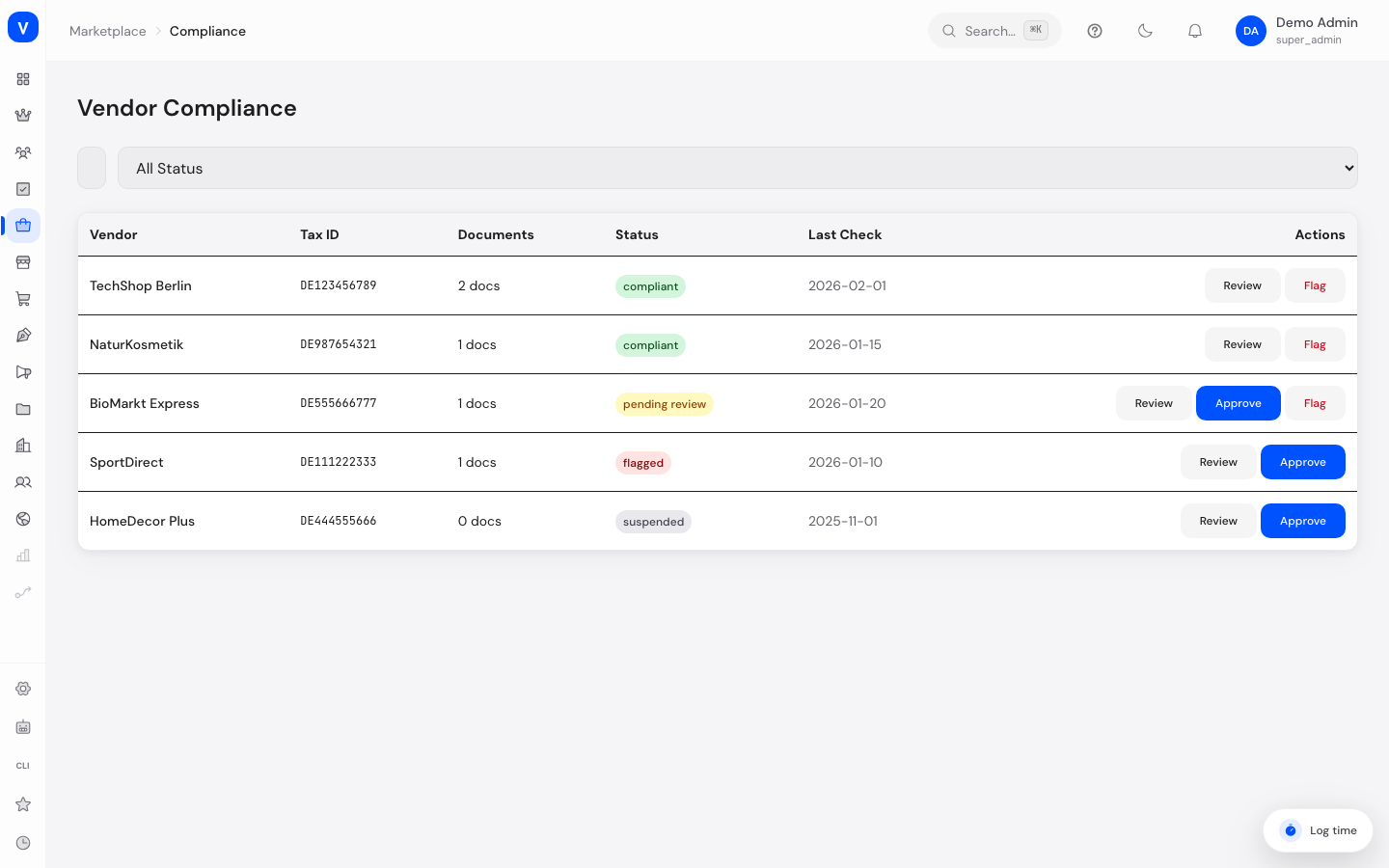
Here you check whether your vendors have submitted the required legal documents — such as business registration and tax certificates — and manage their review status.
/marketplace/complianceWhat can I do here?
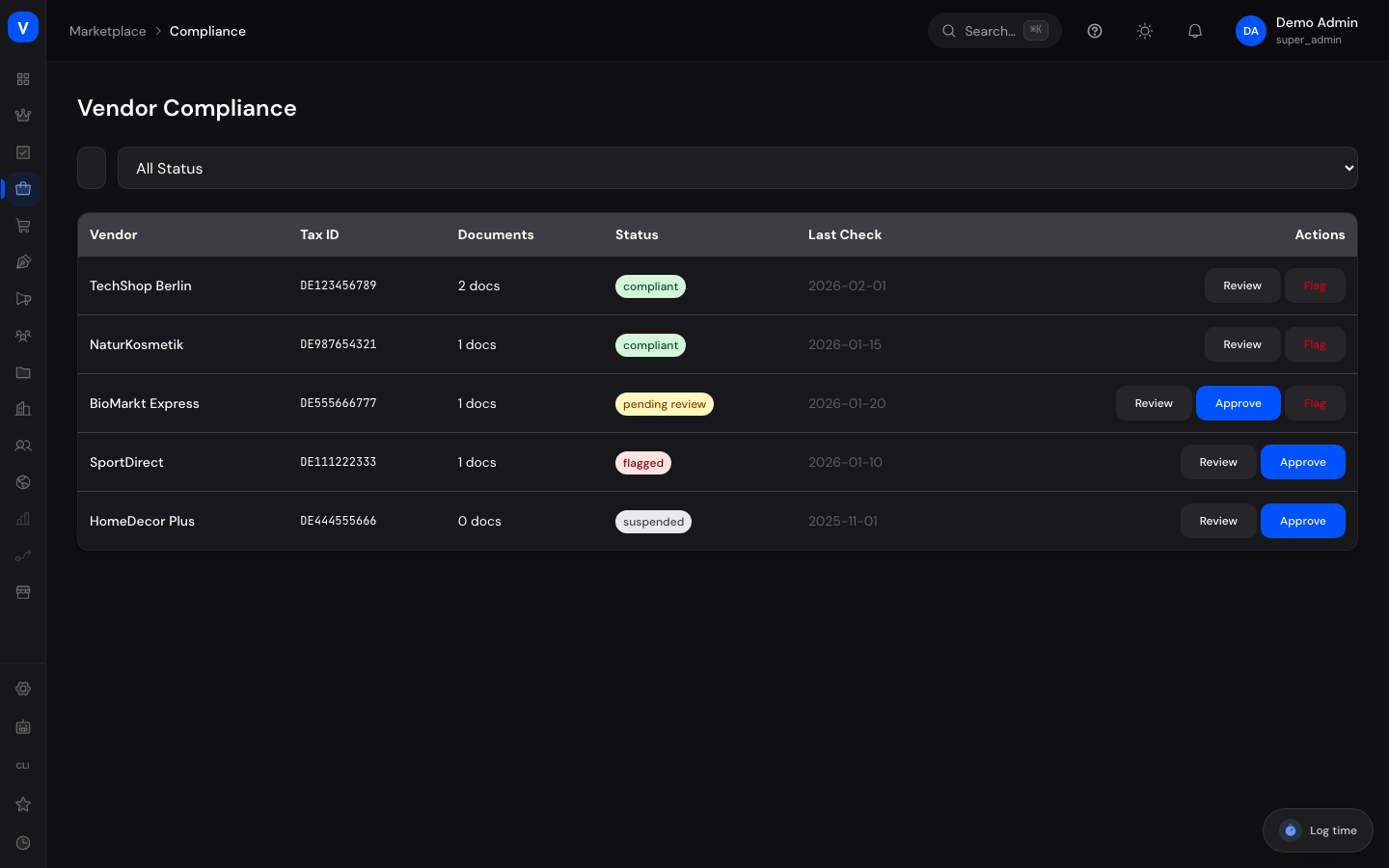
- View all vendors with compliance status, tax ID, documents, and last check date
- Search by vendor and filter by status
- Open a vendor's submitted documents and verify or reject them individually
- Approve a vendor as compliant or flag them
- Add notes about a vendor
Step by step
Review a vendor's documents
- Click "Review" in the vendor's row.
- In the "Compliance Review" window, open the "Documents" list.
- Click "Verify" or "Reject" for each document.
Approve or flag a vendor
- Open the vendor via "Review."
- Click "Approve Vendor" if all documents are in order, or "Flag Vendor" if something is missing or unclear.
- If needed, add a note documenting the reason.
Fields explained
| Field | Meaning | Notes/Effect |
|---|---|---|
| Vendor | The vendor in question | — |
| Tax ID | Vendor's stored tax identification number | — |
| Documents | Count/list of submitted documents (e.g. business registration, tax certificate) | Each document has its own review status |
| Status | Vendor's overall compliance status (see Values & Status) | — |
| Last Check | Date of the last compliance review | — |
| Notes | Free text documenting decisions | Internal only |
Values & Status
Compliance status (compliance_status)
| Label | Meaning | What happens then |
|---|---|---|
| Compliant | All required documents have been reviewed and are in order | Vendor can continue selling normally |
| Pending Review | Documents were submitted but not yet finally reviewed | Vendor stays in "Pending" until reviewed |
| Flagged | An issue exists (e.g. expired business registration) | Requires further clarification |
| Suspended | Vendor is suspended due to missing/invalid documents | Selling is paused until the situation is resolved |
Frequently asked questions
What happens when I reject a document?
The document's status changes to rejected; the vendor should be informed through the appropriate channel to submit an updated document.
How does this page relate to the vendor status on the "Vendors" page?
Compliance issues can be a reason to suspend a vendor there — but the two statuses are maintained separately.
What are the notes for?
They document internally why a decision was made, e.g. "Business registration expired."