Featured Products (Marketplace)
Featured products are products highlighted prominently on your marketplace — for example, on the homepage. Here you decide which products these are, what order they appear in, and during which period the highlighting is active.
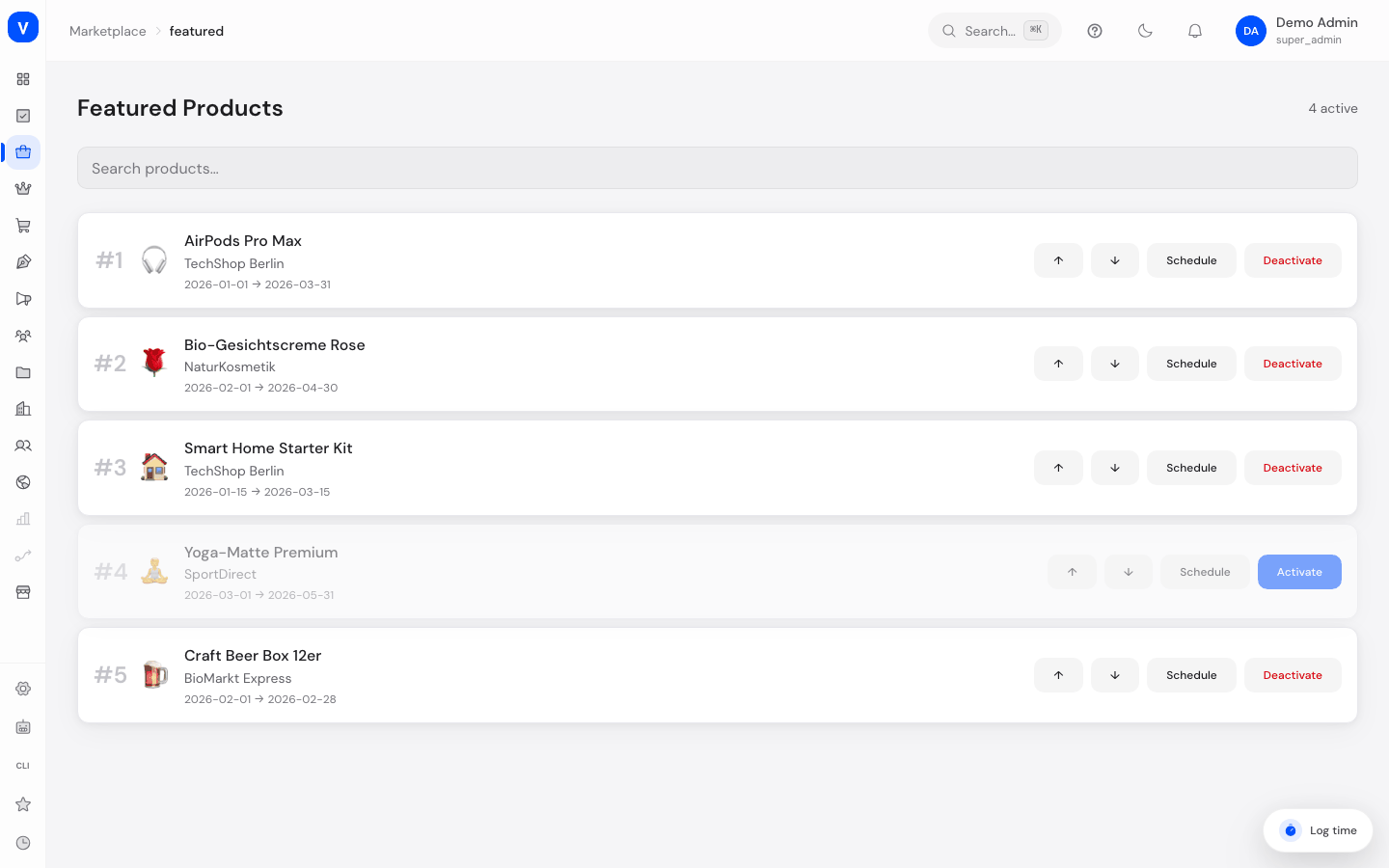
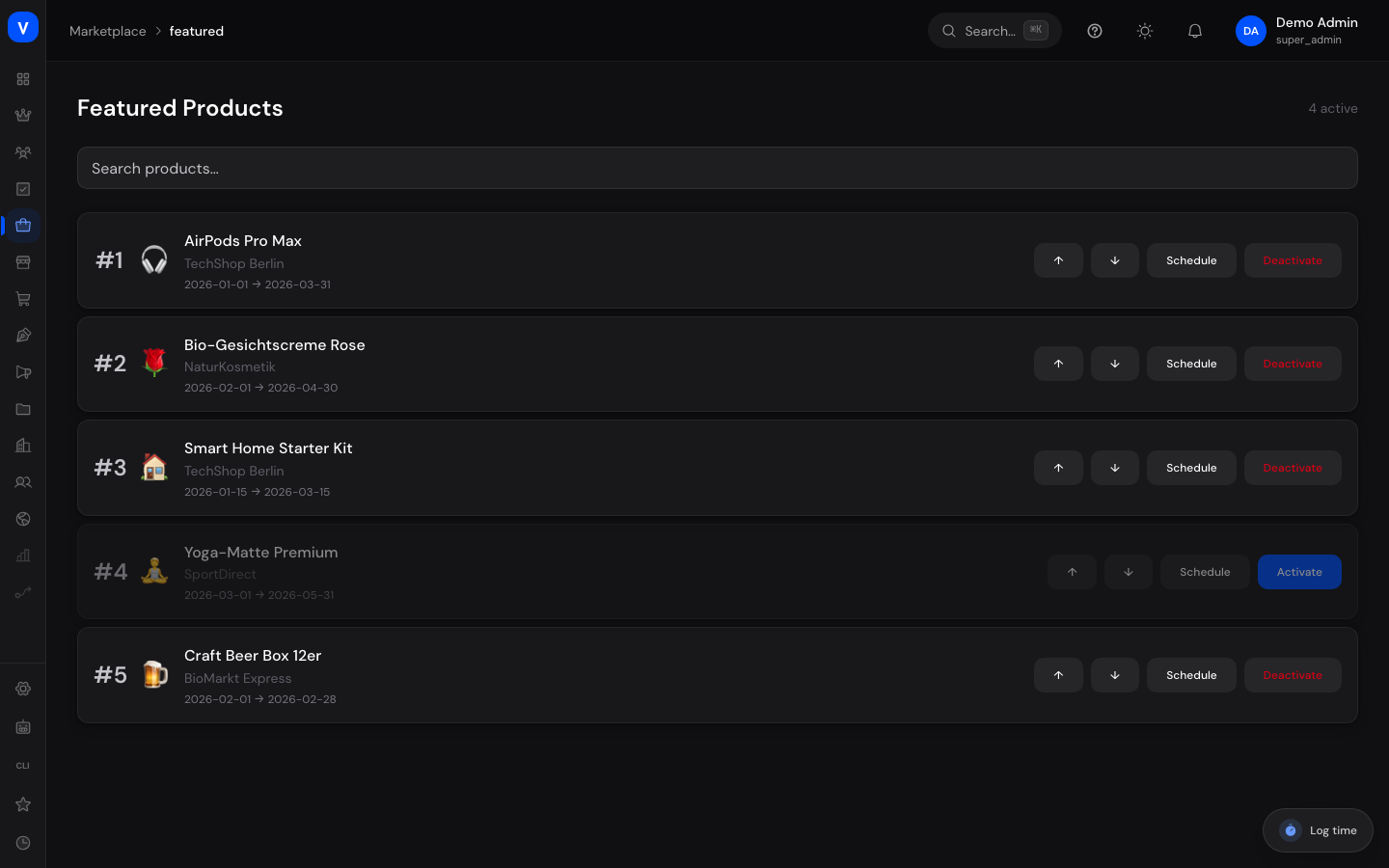
/marketplace/featuredWhat can I do here?
- View all currently featured products with position and schedule
- Search for products
- Activate or deactivate a product
- Edit a featured product's schedule (From/To)
- Change the order of featured products
Step by step
Edit a featured product's schedule
- Click "Edit" in the product's row.
- Adjust the "From" and "To" fields in the "Schedule" window.
- Click "Save."
Activate/deactivate a featured product
- Find the product in the list.
- Click "Activate" or "Deactivate." Deactivated products no longer appear in the featured display but remain in the list.
Fields explained
| Field | Meaning | Notes/Effect |
|---|---|---|
| Product | Name of the featured product | Marked as "Featured" on the "Listings" page |
| Vendor | Vendor who owns the product | — |
| Position | Order in which products are displayed | Lower number = shown earlier |
| Active | Switch for whether the highlighting is currently running | Only active products appear as featured |
| From / To | Planned period of the highlighting | Outside this period, the product isn't shown as featured even if "Active" |
Frequently asked questions
How does a product become a featured product?
You mark it "Featured" on the "Listings" page — it then automatically appears here.
What happens after the scheduled period ends?
The product stays in the list but is no longer actively shown as a featured product unless you extend the period.
Can a product be featured more than once?
The schedule can be adjusted at any time, so you can reactivate a product for a new period.