Marketplace Overview: Marketplace vs. Marketplace-as-a-Service
The menu has two similarly named areas: "Marketplace" and "Marketplace-as-a-Service" (MaaS). Both revolve around vendors, listings, and commissions — but they serve different purposes. This page explains the difference and shows what each landing page contains.
/marketplace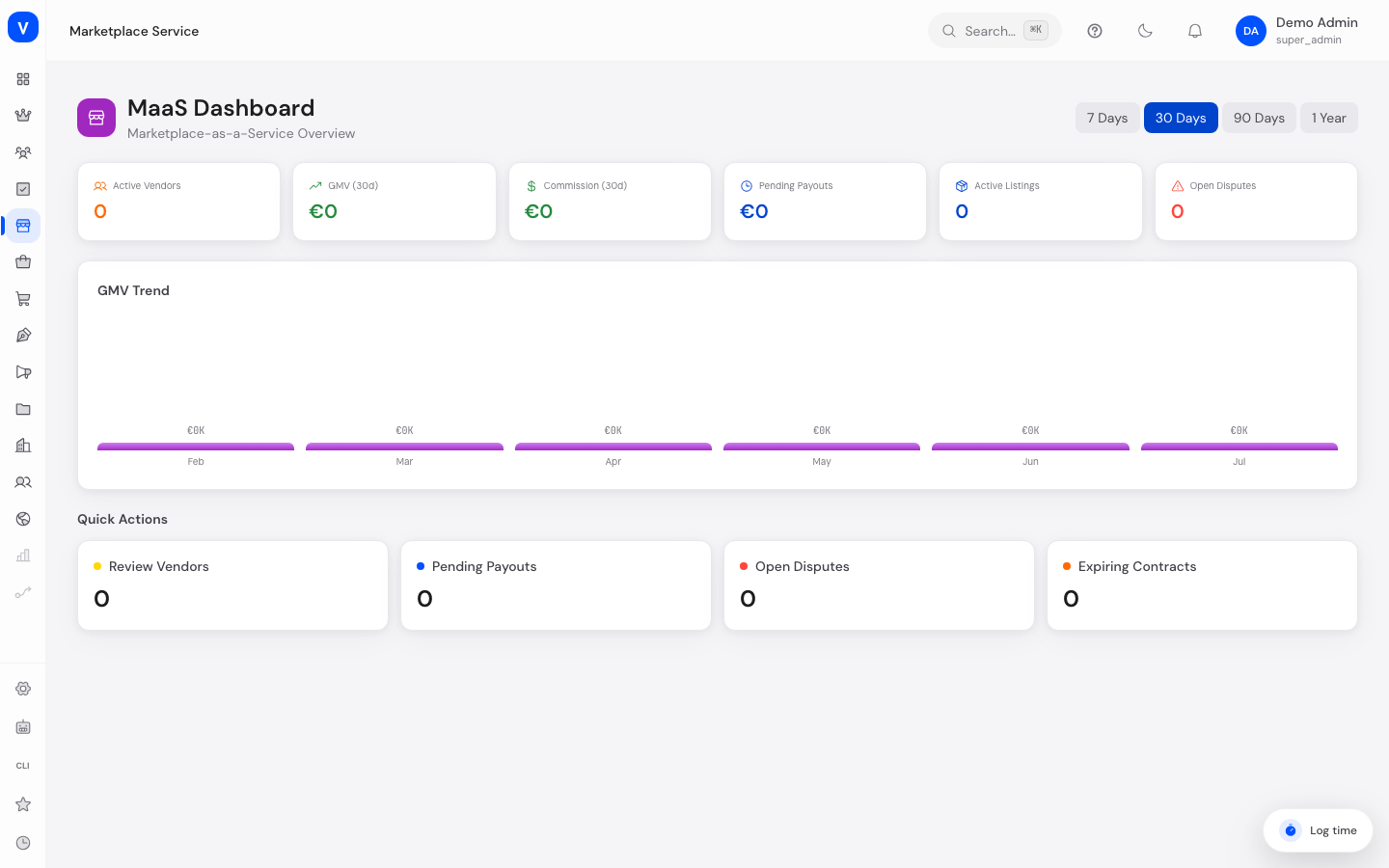
/maasWhat can I do here?
- On "Marketplace" (
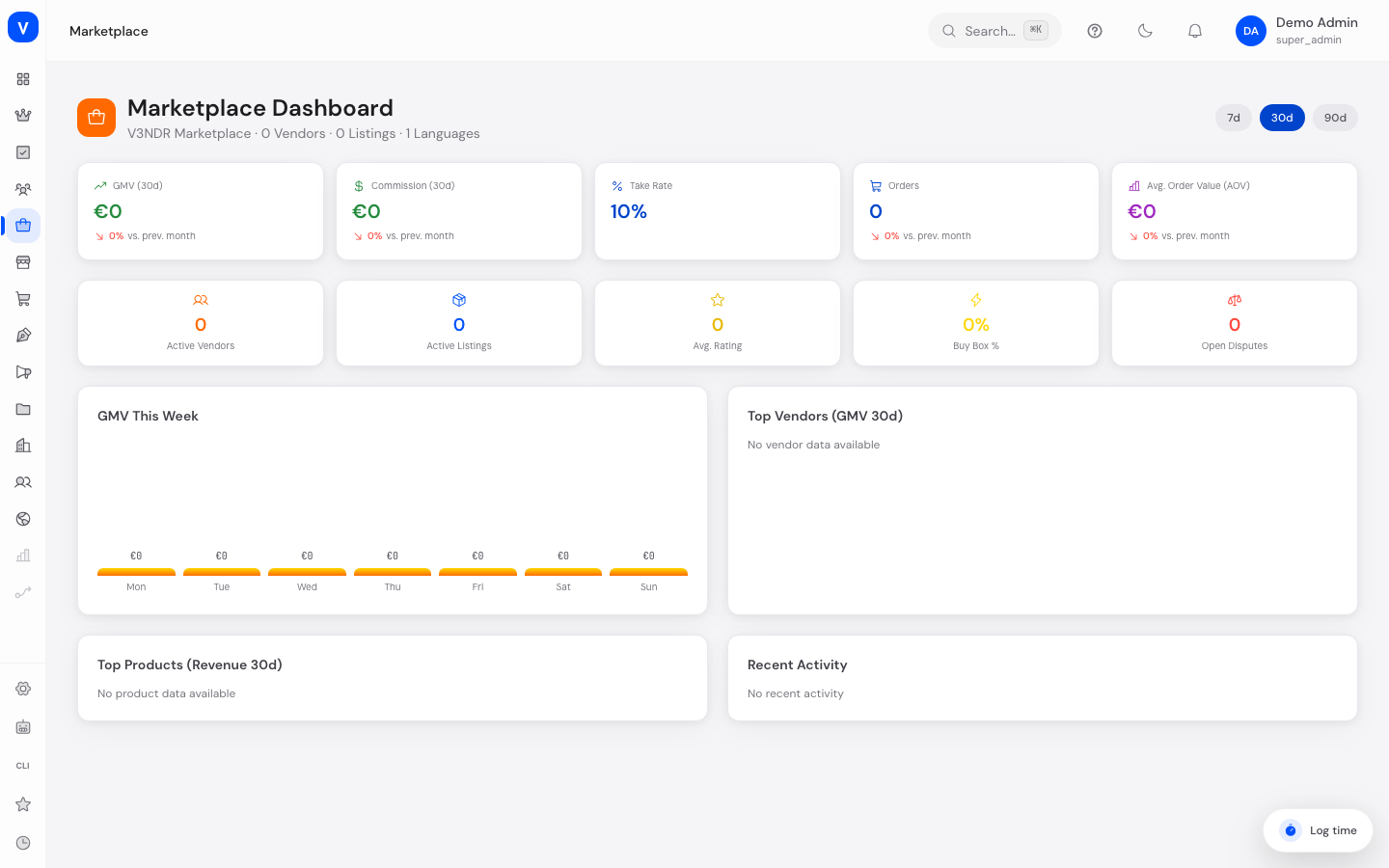
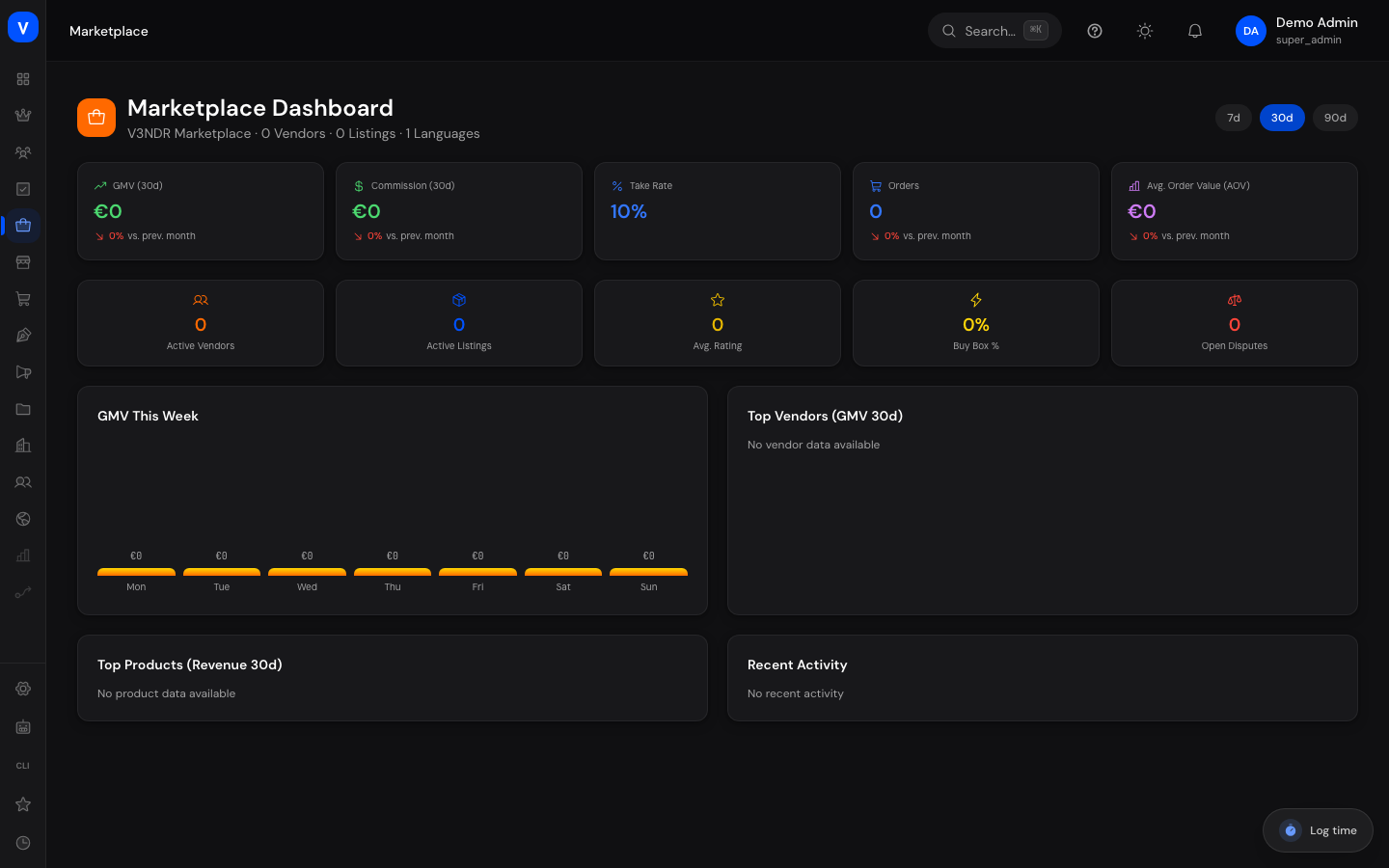
/marketplace), track the day-to-day business of the live SELLERLOGIC marketplace: revenue, orders, top vendors, top products, and recent activity - On "Marketplace-as-a-Service" (
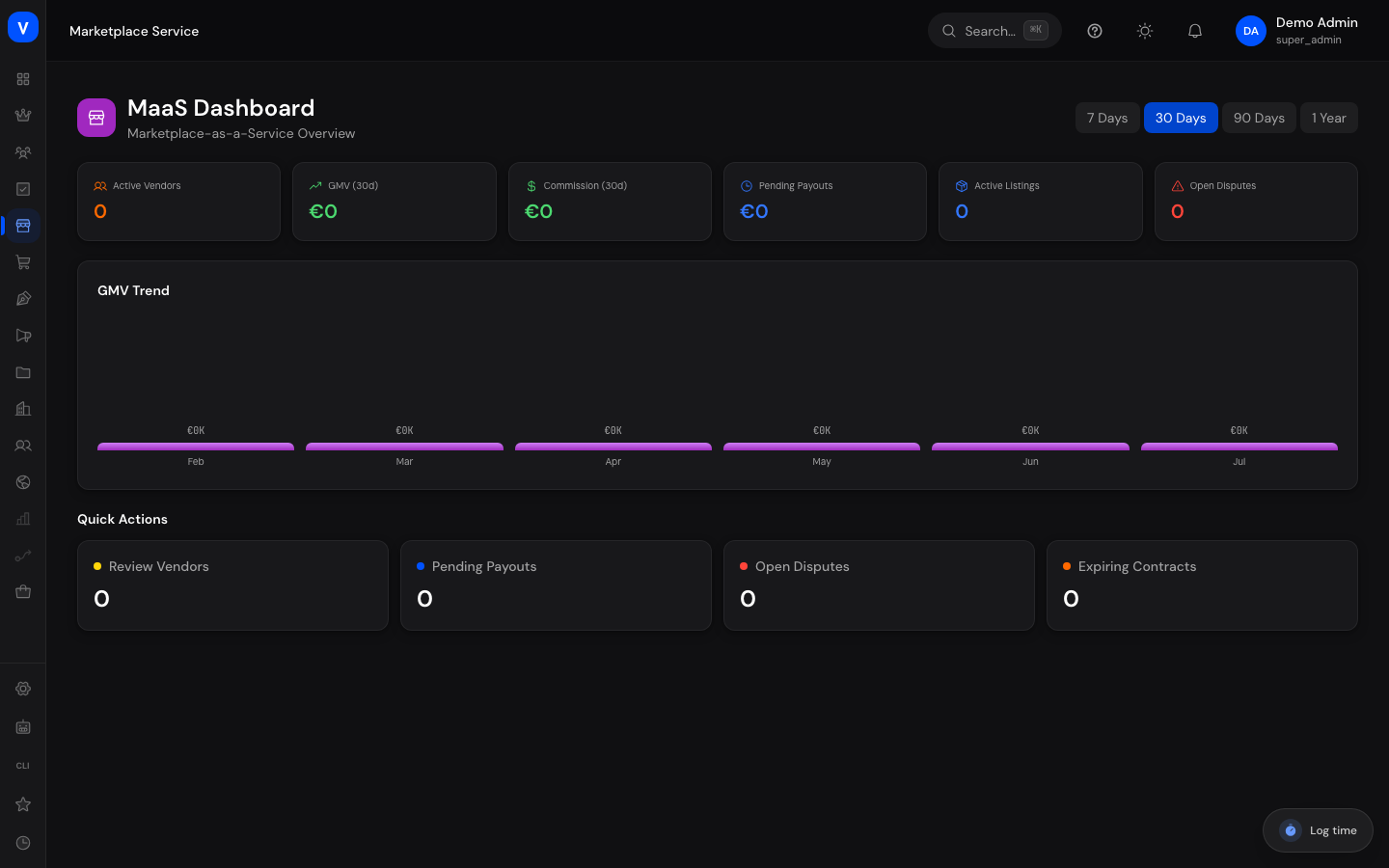
/maas), track platform-level metrics and open tasks for the marketplace operator platform: vendor count, revenue, commissions, pending payouts - Jump from either landing page into the respective sub-areas (vendors, listings, commissions, payouts, and more)
Step by step
Check daily marketplace business
- Open "Marketplace" in the menu.
- Review the KPI tiles at the top: GMV (30d), Commission (30d), Orders, Active Vendors, Active Listings, Avg. Rating, Buy Box %, and Open Disputes.
- Use the period selector (7/30/90 days) to switch between different time ranges.
- Check "Top Vendors", "Top Products", and "Recent Activity" below to quickly see where things are happening.
- When you see a notice like "X listings awaiting approval," click "Review" to jump straight to the affected list.
Check platform metrics in the MaaS area
- Open "Marketplace-as-a-Service" in the menu.
- Review the six KPI tiles at the top: Active Vendors, GMV (30d), Commission (30d), Pending Payouts, Active Listings, Open Disputes.
- Select a period in the top-right corner (7 Days / 30 Days / 90 Days / 1 Year).
- Look at the GMV Trend (bar chart of recent months).
- Click one of the Quick Actions ("Review Vendors," "Pending Payouts," "Open Disputes," "Expiring Contracts") to jump straight to the matching MaaS sub-area.
Fields explained
| Field (Marketplace dashboard) | Meaning | Notes/Effect |
|---|---|---|
| GMV (30d) | Gross merchandise volume over the last 30 days (total order value) | Basis for commission calculation |
| Commission (30d) | Platform commission revenue over the last 30 days | Calculated from GMV using the stored take rate |
| Orders | Number of orders in the selected period | — |
| Active Vendors | Number of vendors with revenue/reviews in the selected period | Also shown in "Top Vendors" |
| Active Listings | Number of actively published products on the marketplace | Counts all active products, not only one vendor's |
| Avg. Rating | Average product rating across all reviews | Calculated from customer reviews |
| Buy Box % | Share of listings with an assigned Buy Box | See the "Listings" page |
| Open Disputes | Number of not-yet-closed disputes | See the "Disputes" page |
| Field (MaaS dashboard) | Meaning | Notes/Effect |
|---|---|---|
| Active Vendors | Number of users with role "vendor"/"seller" on the platform | — |
| GMV (30d) | Gross merchandise volume over the last 30 days | — |
| Commission (30d) | Calculated from GMV and the default commission stored in MaaS settings | See the "Configuration" page |
| Pending Payouts | Amount of vendor balances not yet paid out | See the "Payouts" page |
| Active Listings | Number of orders/line items in the period (used as a proxy for listing activity) | — |
| Open Disputes | Number of open disputes | — |
| GMV Trend | Bar chart of the last six months | Shows a rough trend, not daily figures |
Frequently asked questions
What is the difference between "Marketplace" and "Marketplace-as-a-Service"?
"Marketplace" is the operational area where you run the live SELLERLOGIC marketplace day to day: approve individual vendor applications, review listings, maintain commission rules per category, resolve disputes, moderate reviews, run advertising campaigns, and check analytics. "Marketplace-as-a-Service" is the platform configuration area for the operator of the marketplace software itself — here you set the platform name, branding, default fees, notifications, and technical limits, and manage vendor contracts.
Do both areas show the same vendors and listings?
No. The lists in the Marketplace area (Vendors, Listings, Reviews) draw on the shop's actual order and product data. The lists in the MaaS area (Vendors, Listings, Commissions, Payouts, Contracts) show a separate, independent data set. Don't confuse the two management lists with each other.
Where do I set the commission for a product category?
In the Marketplace area under "Commissions" — rules apply per category there. The value under MaaS → Configuration → Fees is the platform-wide default commission that serves as a starting value.
Which area do I use for daily operations?
For daily work (vendor approvals, listing moderation, disputes, reviews, campaigns), use "Marketplace." Use "Marketplace-as-a-Service" less often — for example, when onboarding a new vendor contract or changing the overall platform's branding/fees.