Campaigns (Marketplace)
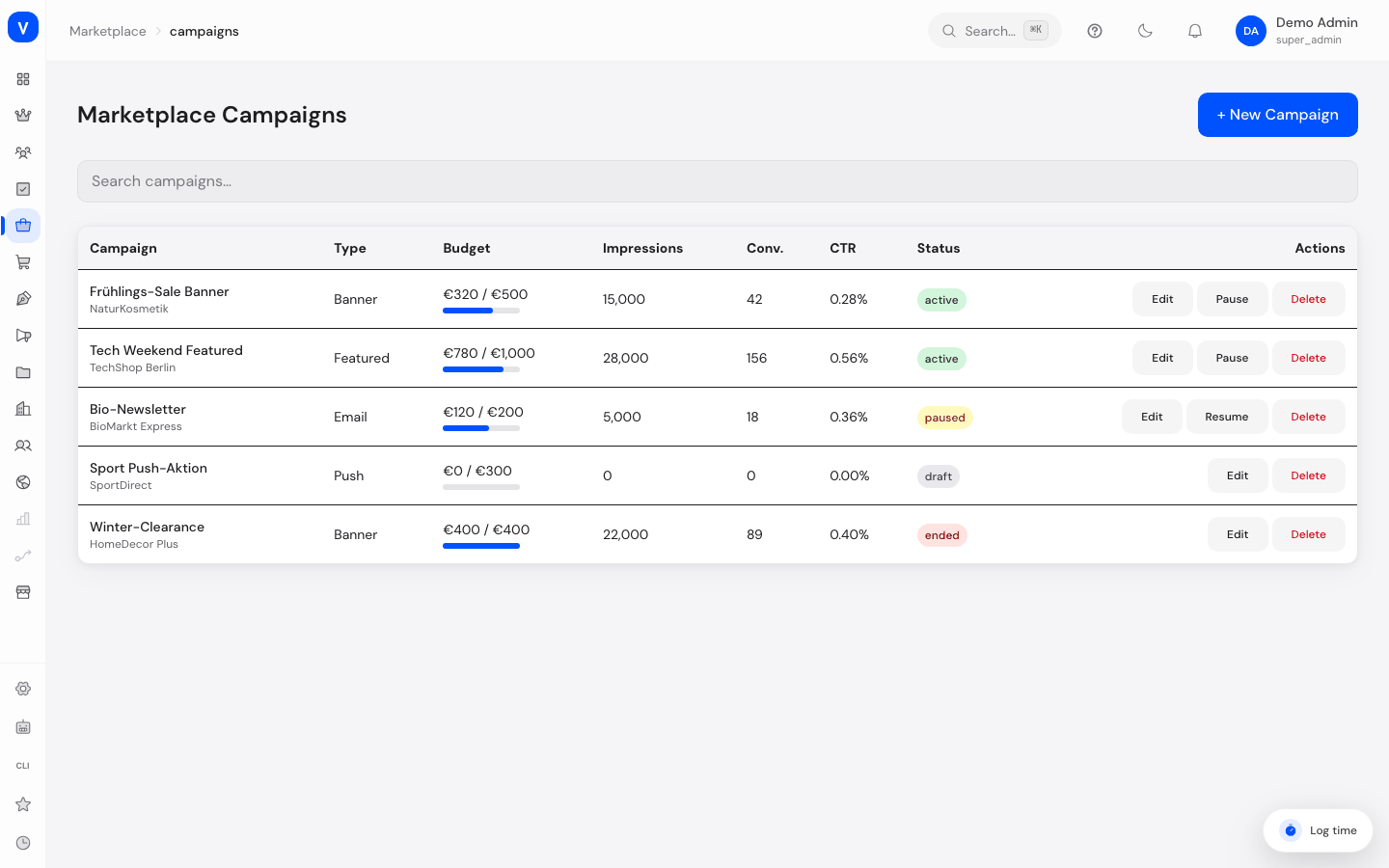
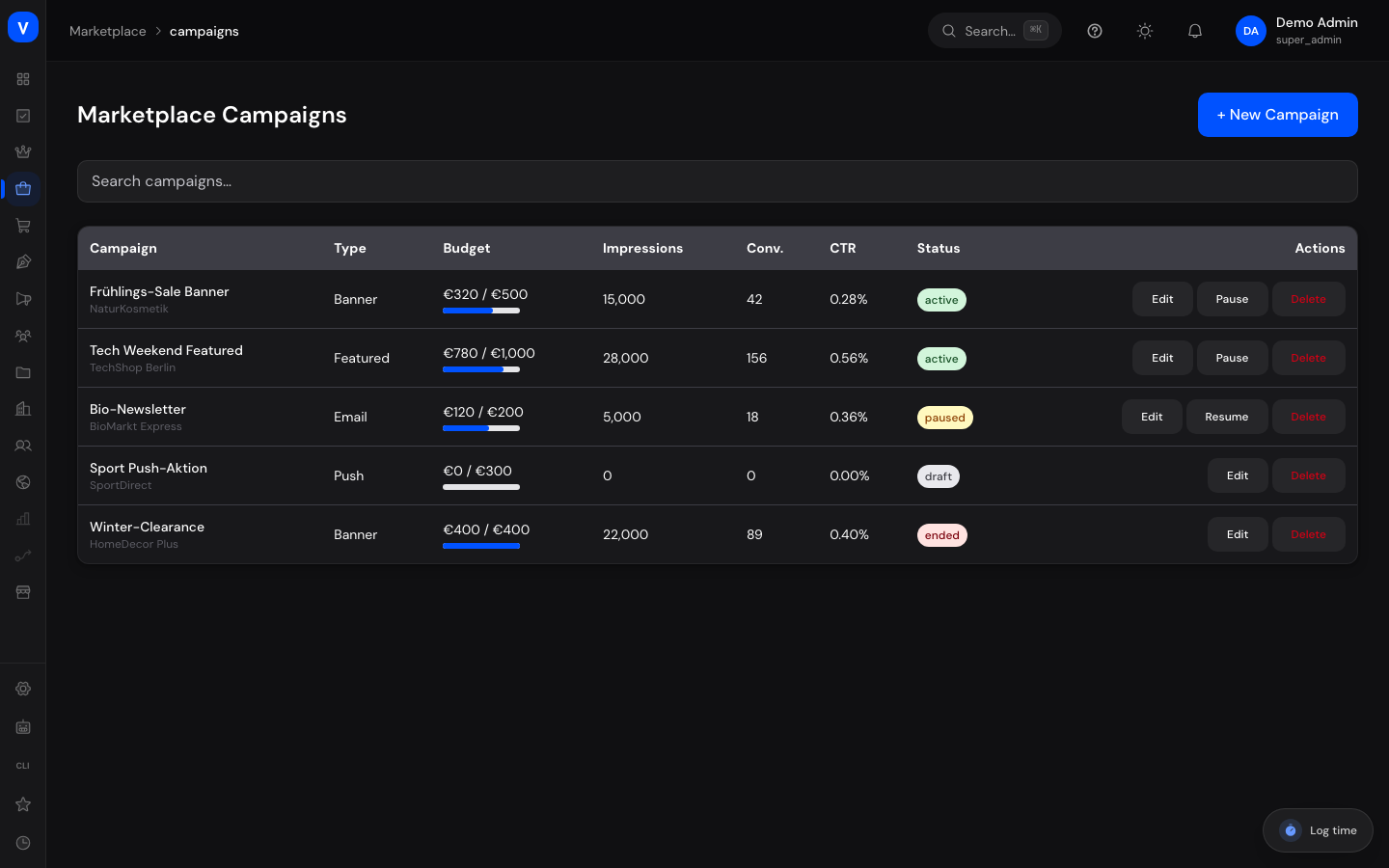
Campaigns are promotional activities for vendors on your marketplace — such as a banner, an email push, or a push notification. Here you create campaigns, track budget, impressions, and conversions, and pause or end them as needed.
/marketplace/campaignsWhat can I do here?
- View all campaigns with type, budget, impressions, conversions, and status
- Search campaigns
- Create a new campaign
- Edit an existing campaign
- Pause or resume a campaign
- Delete a campaign
Step by step
Create a new campaign
- Click "+ New Campaign" at the top right.
- Enter Name, Vendor, Type (Banner, Featured, Email, or Push), plus Budget (€), Start Date, and End Date.
- Click "Save." The campaign starts as a draft.
Pause or resume a campaign
- Find the campaign in the list.
- Click "Pause" or "Resume" in the action menu.
Delete a campaign
- Open the campaign's action menu and click "Delete."
- Confirm in the "Delete Campaign" dialog — this cannot be undone.
Fields explained
| Field | Meaning | Notes/Effect |
|---|---|---|
| Campaign | Campaign name | — |
| Vendor | Vendor the campaign runs for | — |
| Type | Promotional format of the campaign (see Values & Status) | — |
| Budget | Planned total budget in euros | — |
| Impressions | Number of displays/views of the campaign | — |
| Conv. | Number of purchases/actions triggered by the campaign | — |
| CTR | Campaign's click-through rate | Ratio of clicks to impressions |
| Status | Current campaign status (see Values & Status) | — |
| Start Date / End Date | Planned run period | — |
Values & Status
Campaign status (campaign_status)
| Label | Meaning | What happens then |
|---|---|---|
| Draft | Campaign was created but hasn't started yet | Not yet visible to customers |
| Active | Campaign is running | Being served |
| Paused | Campaign was temporarily stopped | Can be resumed at any time |
| Ended | Campaign has finished | No longer running |
Campaign type (campaign_type)
| Label | Meaning |
|---|---|
| Banner | Advertising banner in the shop |
| Featured | Highlighting of a product (see Featured Products) |
| Email campaign to customers | |
| Push | Push notification to customers |
Frequently asked questions
What happens to the budget when I pause a campaign?
Budget already spent is retained; no further delivery is billed until you resume the campaign.
Can I restore a deleted campaign?
No, deleting a campaign cannot be undone.
How does the "Featured" campaign type relate to the "Featured Products" page?
A "Featured" campaign promotes a product in addition to the actual featured-product scheduling, which you manage separately on the "Featured Products" page.