Disputes (Marketplace)
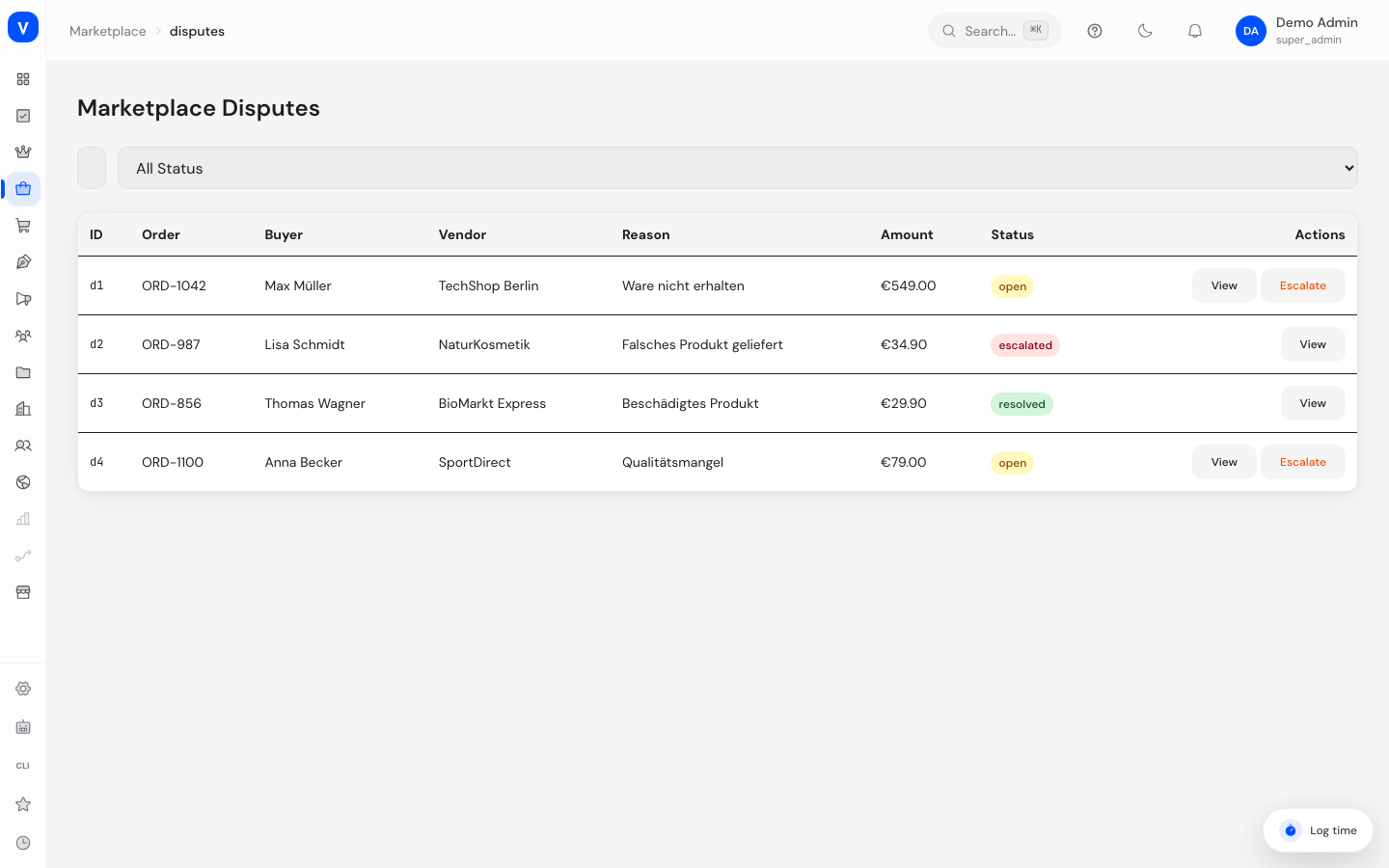
When a buyer and vendor disagree about an order (e.g. item not received, wrong product, damaged goods), the case lands here. You read the message history, reply as a mediator, and decide the case in favor of the buyer or the vendor.
/marketplace/disputesWhat can I do here?
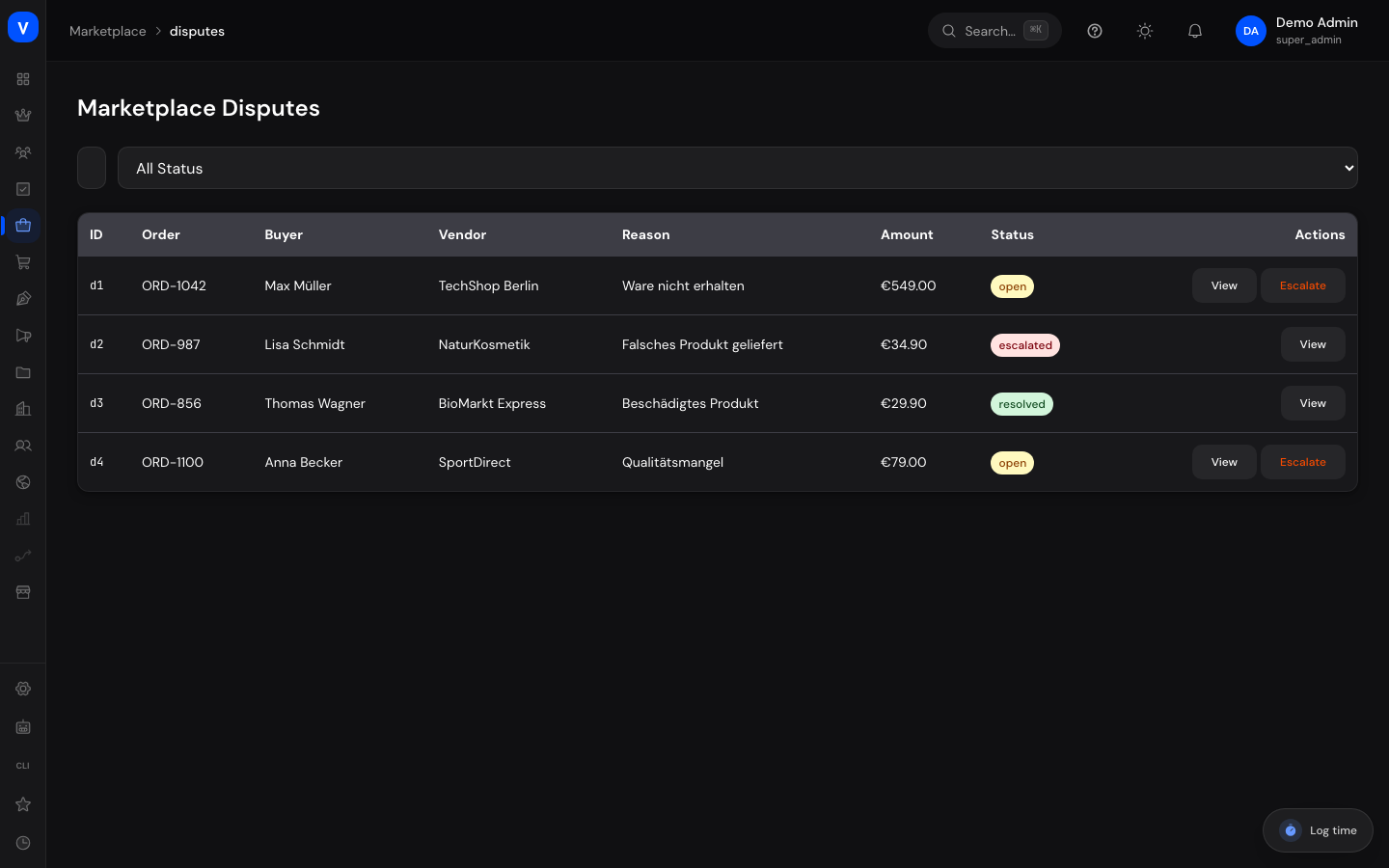
- View all disputes with order, buyer, vendor, reason, amount, and status
- Search disputes and filter by status
- Open a dispute and read the full message history
- Leave a message in the dispute as an admin
- Escalate a dispute
- Decide a dispute in favor of the buyer or the vendor
Step by step
Work on a dispute
- Filter by status "Open" or click "View" in the row.
- In the "Dispute" window, read the message history between buyer and vendor so far.
- If needed, type a message into the "Type admin reply…" field and click "Send."
Decide a dispute
- Open the dispute.
- Click "Decide: Buyer wins" or "Decide: Vendor wins."
- The status changes to "Resolved," and the case is logged with the decision.
Escalate a dispute
- Open the dispute and click "Escalate."
- The status changes to "Escalated" — use this for cases that need closer review.
Fields explained
| Field | Meaning | Notes/Effect |
|---|---|---|
| ID | Internal identifier of the dispute | — |
| Order | Affected order number | — |
| Buyer / Vendor | Parties involved in the dispute | — |
| Reason | Dispute reason stated by the buyer | e.g. "Item not received," "Wrong product delivered" |
| Amount | Disputed value (order amount) | — |
| Status | Current processing state (see Values & Status) | — |
Values & Status
Dispute status (dispute_status)
| Label | Meaning | What happens then |
|---|---|---|
| Open | Dispute was just reported | Awaiting processing |
| Escalated | Dispute was flagged for closer review | Requires increased attention |
| Resolved | Dispute has been decided | Decision (buyer/vendor) is logged |
| Closed | Dispute is finished | No further action needed |
Frequently asked questions
Who sees my admin message in the dispute?
The message is added to the history, which the buyer and vendor can see depending on the communication channel.
What does "Decide: Buyer wins" mean?
The dispute is decided in favor of the buyer and marked "Resolved" with that decision — for example, as the basis for a refund.
When do I escalate instead of deciding?
When the case is more complex or needs further review before a final decision is made.