Contracts (Marketplace-as-a-Service)
Here you manage the contracts of your Marketplace-as-a-Service vendors: booked plan, monthly fee, term, and auto-renewal.
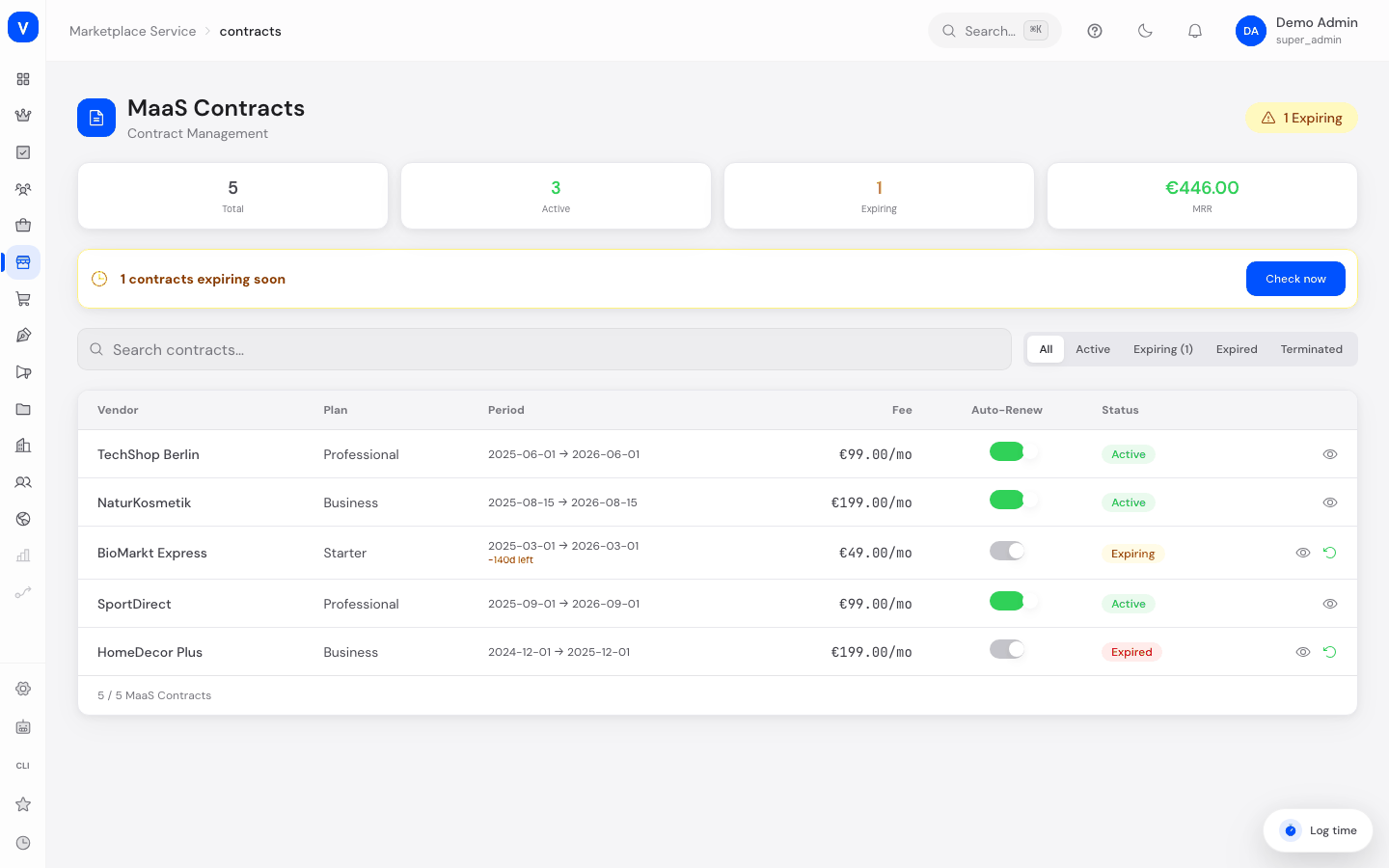
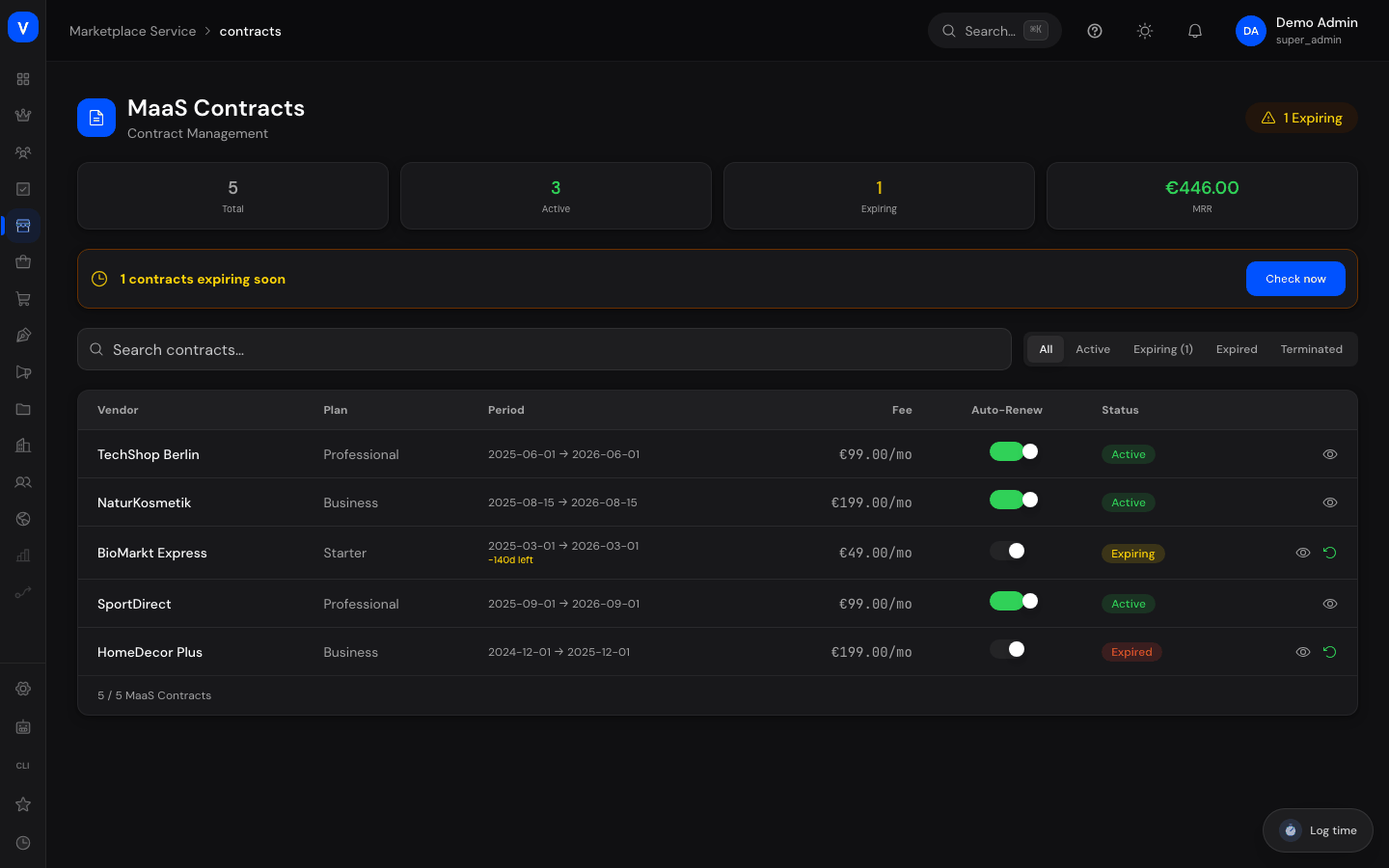
/maas/contractsWhat can I do here?
- View all contracts with vendor, plan, fee, start/end date, and status
- Check the total contract count and monthly recurring revenue (MRR) at a glance
- Search contracts and filter by status
- Renew a contract by one year
- Terminate a contract
- Toggle auto-renewal on/off
- Open contract details
Step by step
Renew a contract
- Filter by status "Expiring" to find contracts ending soon, or click "Check now" on the corresponding notice.
- Click "Renew +1 Year" in the contract's row.
- The contract gets a new end date, and the status switches back to "Active."
Terminate a contract
- Find the contract in the list.
- Click "Terminate." The status changes to "Terminated."
Toggle auto-renewal
- Open the contract via "Details."
- Turn "Auto-Renew" on or off.
Fields explained
| Field | Meaning | Notes/Effect |
|---|---|---|
| Vendor | Contract partner | — |
| Plan | Booked plan tier (e.g. Starter, Business, Professional) | Typically determines terms and fee |
| Fee | Monthly contract fee | Factors into MRR |
| Start / End | Contract term | — |
| Auto-Renew | Switch for whether the contract renews automatically | When "off," the contract expires on its end date |
| Status | Current contract status (see Values & Status) | — |
| Total | Number of all contracts | KPI at the top of the page |
| MRR | Monthly recurring revenue from all active contracts | KPI at the top of the page |
Values & Status
Contract status (maas_contract_status)
| Label | Meaning | What happens then |
|---|---|---|
| Draft | Contract has been created but is not yet active | No fees due yet |
| Active | Contract is running | Vendor can use the platform under contract terms |
| Expiring | Contract end is coming up soon | Should be renewed or deliberately allowed to lapse |
| Expired | Contract term has ended | Vendor access should be reviewed |
| Terminated | Contract was ended early | — |
Frequently asked questions
What happens if I let a contract with auto-renewal lapse?
If auto-renewal is enabled, the contract renews automatically; if disabled, the status changes to "Expired" and you must renew manually.
Where do I see how many contracts are expiring soon?
The "contracts expiring soon" notice at the top of the page takes you directly to the affected entries.
Is a contract's plan connected to the plan in the vendor list?
Yes, the plan stored here matches the plan tier shown on the "Vendors" page for the same vendor.