Payouts (Marketplace-as-a-Service)
Here you manage payouts to the vendors of your Marketplace-as-a-Service platform — independent of the payouts in the operational Marketplace area.
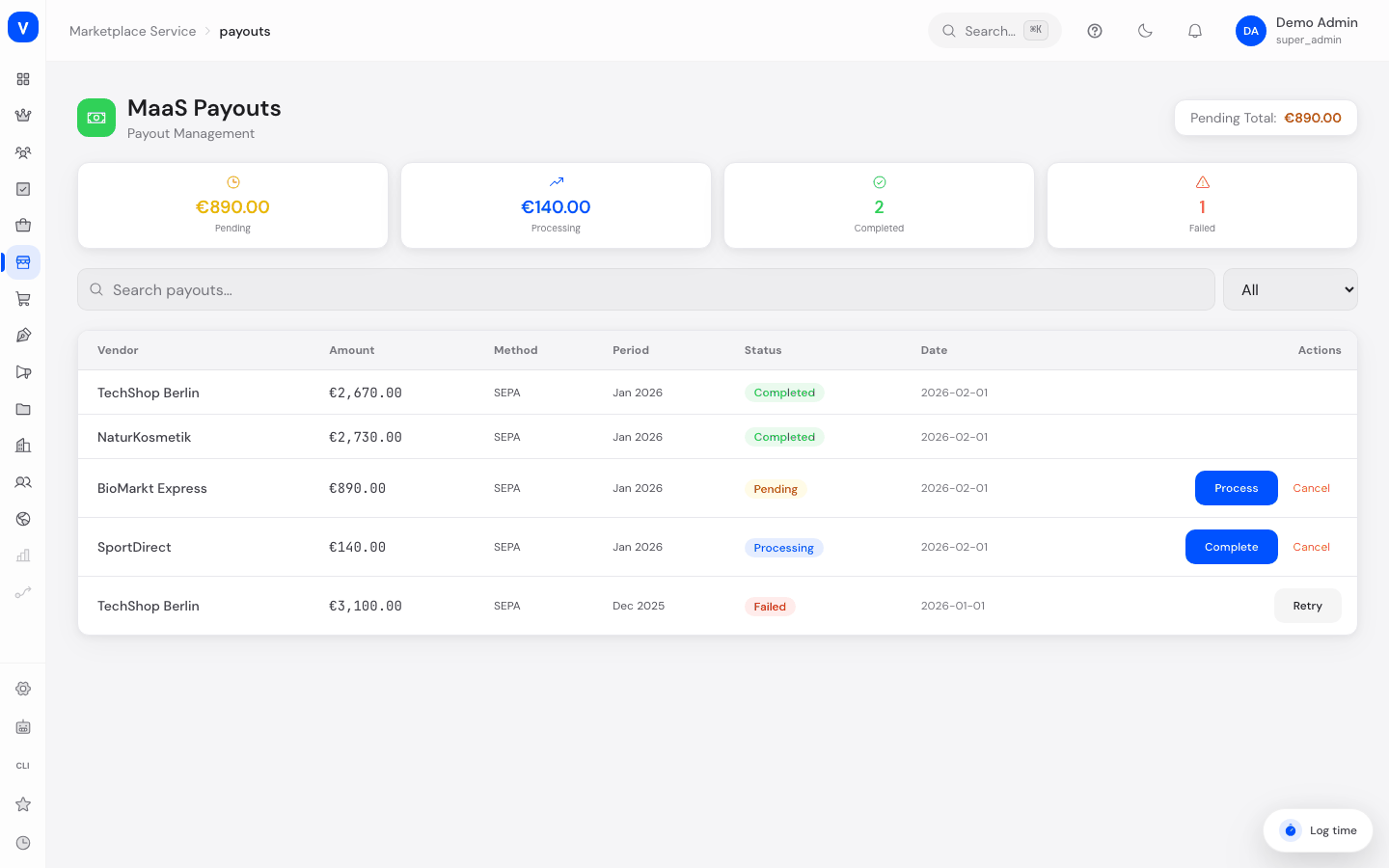
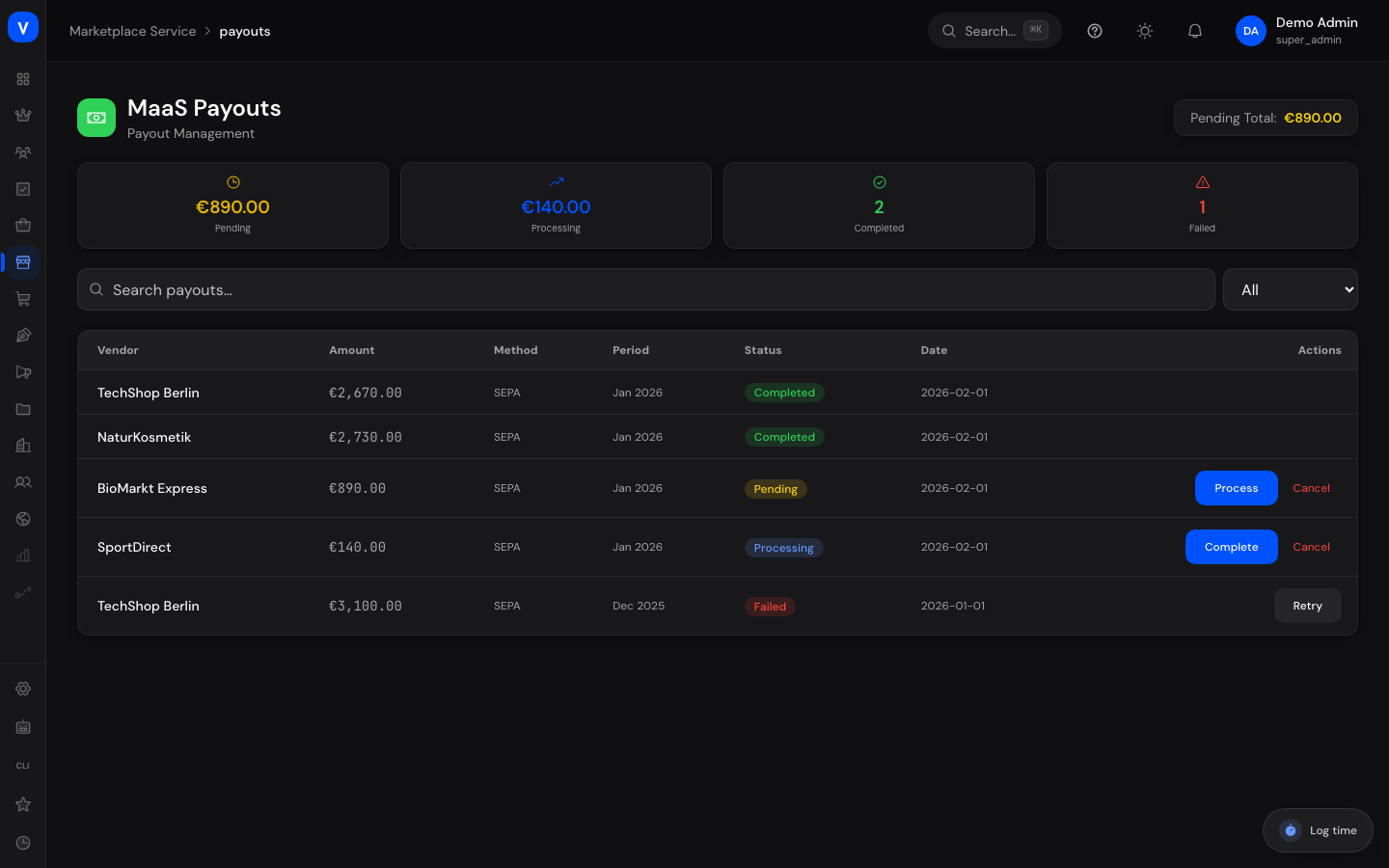
/maas/payoutsWhat can I do here?
- View all payouts with vendor, amount, method, period, and status
- Search payouts and filter by status
- Release a pending payout for processing
- Complete a payout that's in progress
- Retry a failed payout
- Cancel a payout
Step by step
Process a payout
- Filter by status "Pending."
- Click "Process" to start the payout.
- Then click "Complete" to finish it.
Retry a failed payout
- Filter by status "Failed."
- Click "Retry."
Fields explained
| Field | Meaning | Notes/Effect |
|---|---|---|
| Vendor | Recipient of the payout | — |
| Amount | Amount to be paid out | — |
| Method | Payout channel | — |
| Period | Billing period of the payout | — |
| Status | Current processing state (see Values & Status) | — |
| Pending Total | Sum of all amounts not yet paid out | Shown as a KPI at the top |
Values & Status
Payout status (maas_payout_status)
| Label | Meaning | What happens then |
|---|---|---|
| Pending | Payout has been requested but not yet started | Can be started via "Process" |
| Processing | Payout is currently being executed | Can be completed |
| Completed | Payout was executed successfully | Final state |
| Failed | Payout could not be executed | Can be retried via "Retry" |
Frequently asked questions
Is this the same list as "Payouts" in the Marketplace area?
No, this list belongs to the separate Marketplace-as-a-Service administration. See Marketplace Overview for details.
How do I quickly get to pending payouts?
Via the "Pending Payouts" quick action on the MaaS dashboard.