Commissions (Marketplace-as-a-Service)
Here you maintain the commission rules of your Marketplace-as-a-Service platform per category — independent of the commission rules in the operational Marketplace area.
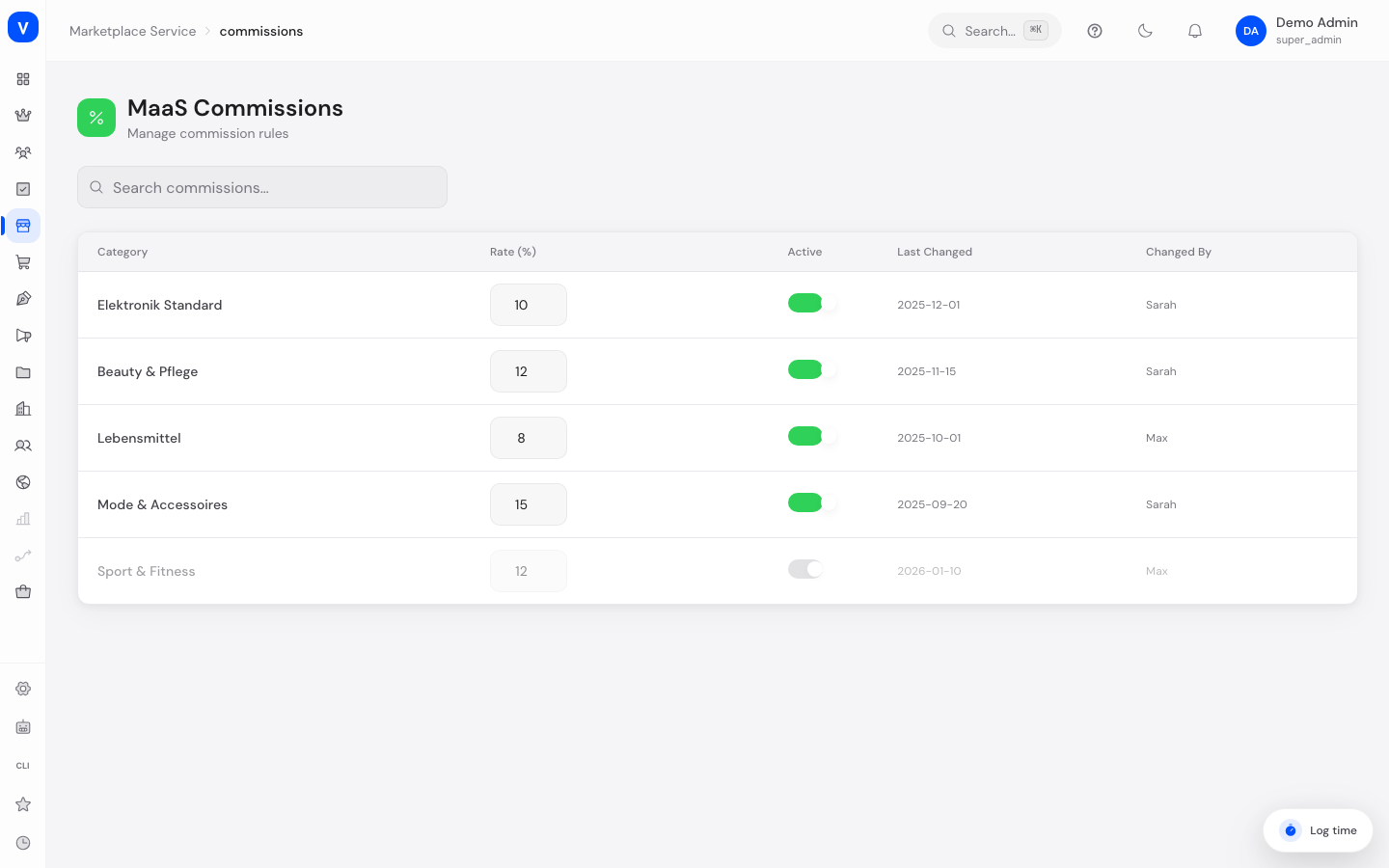
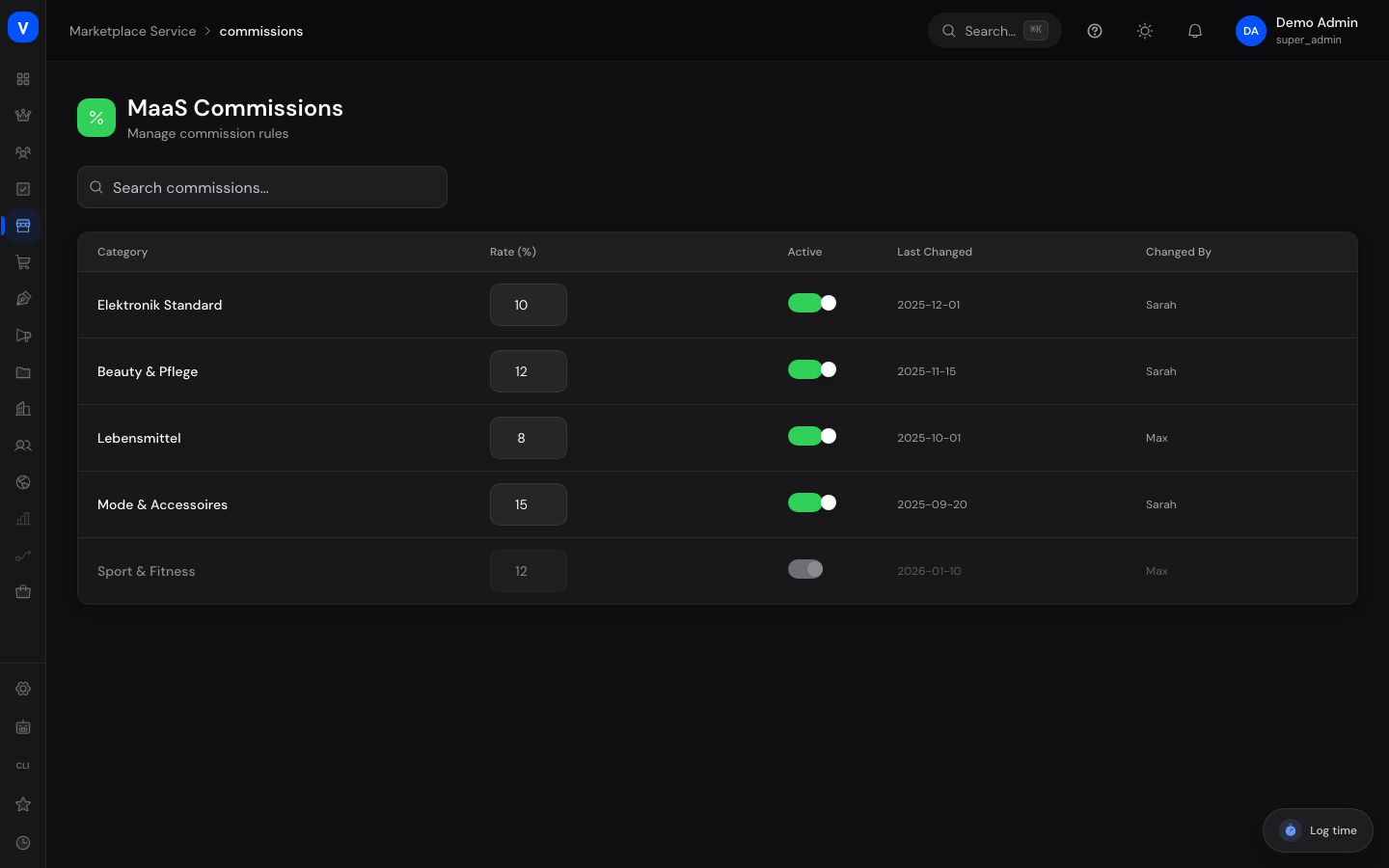
/maas/commissionsWhat can I do here?
- View all commission rules with category, rate, status, and last change
- Search commission rules
- Activate or deactivate a rule
- Change a rule's commission rate
Step by step
Activate or deactivate a commission rule
- Find the rule in the list.
- Toggle "Active." The change takes effect immediately on new orders.
Change a rule's rate
- Open the rule for editing.
- Adjust "Rate (%)" and save. The "Changed By" entry is updated automatically.
Fields explained
| Field | Meaning | Notes/Effect |
|---|---|---|
| Name | Name of the commission rule | — |
| Category | Product category the rule applies to | — |
| Rate (%) | This rule's commission rate | — |
| Active | Switch for whether the rule currently applies | Inactive rules don't apply to new orders |
| Last Changed | Date of the last adjustment | — |
| Changed By | Person who made the last change | For traceability |
Frequently asked questions
Is this the same list as "Commissions" in the Marketplace area?
No, this list belongs to the separate Marketplace-as-a-Service administration. See Marketplace Overview for details.
Where do I set minimum/maximum values for a commission rule?
Such ranges are maintained in the operational area under "Marketplace → Commissions"; here on the MaaS page there is only the rate itself.