Content Marketing
This page brings together the editing of your blog posts, shop pages, and menus in one place. It's a quick hub for maintaining content as part of your marketing work, without switching between multiple areas.
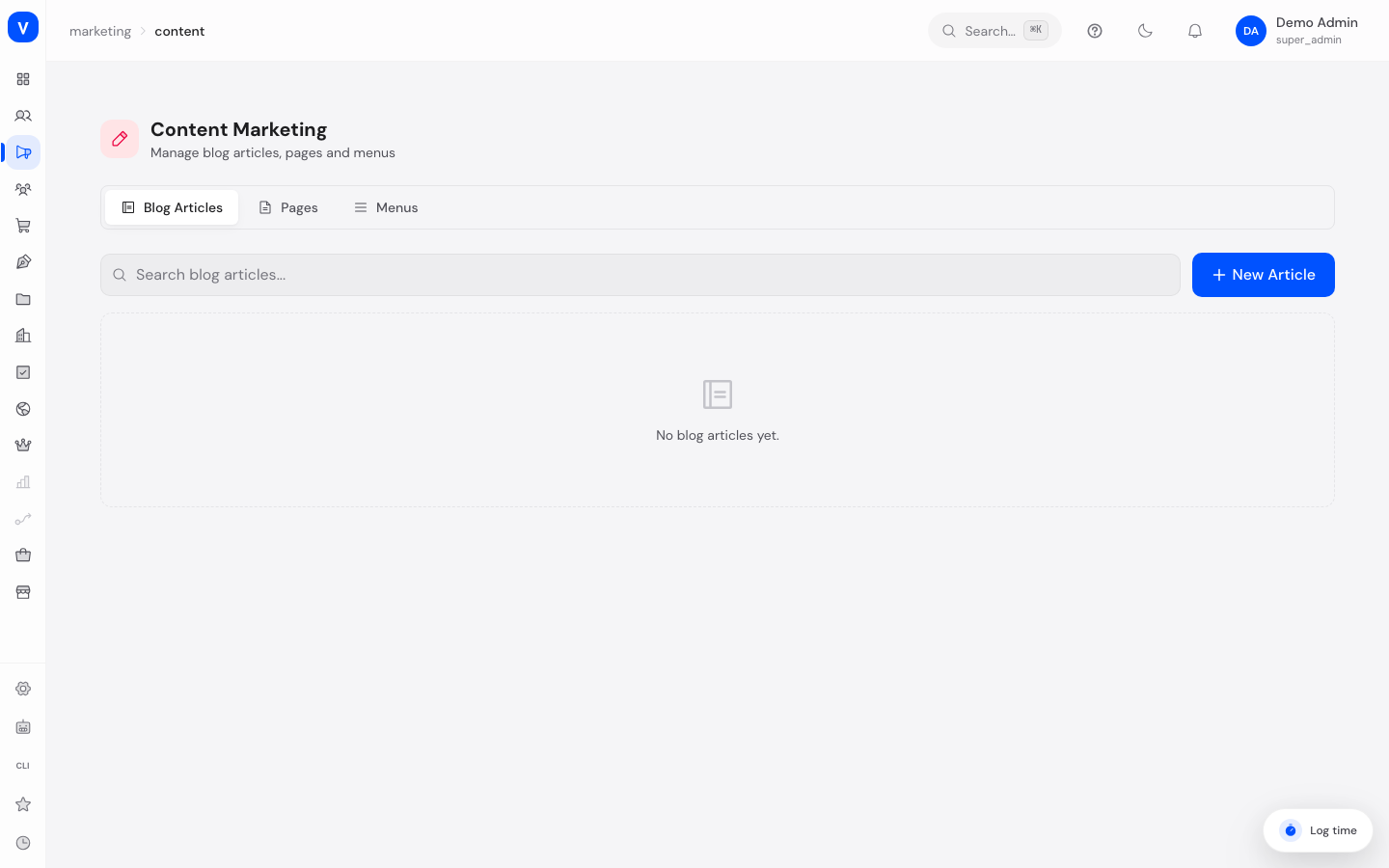
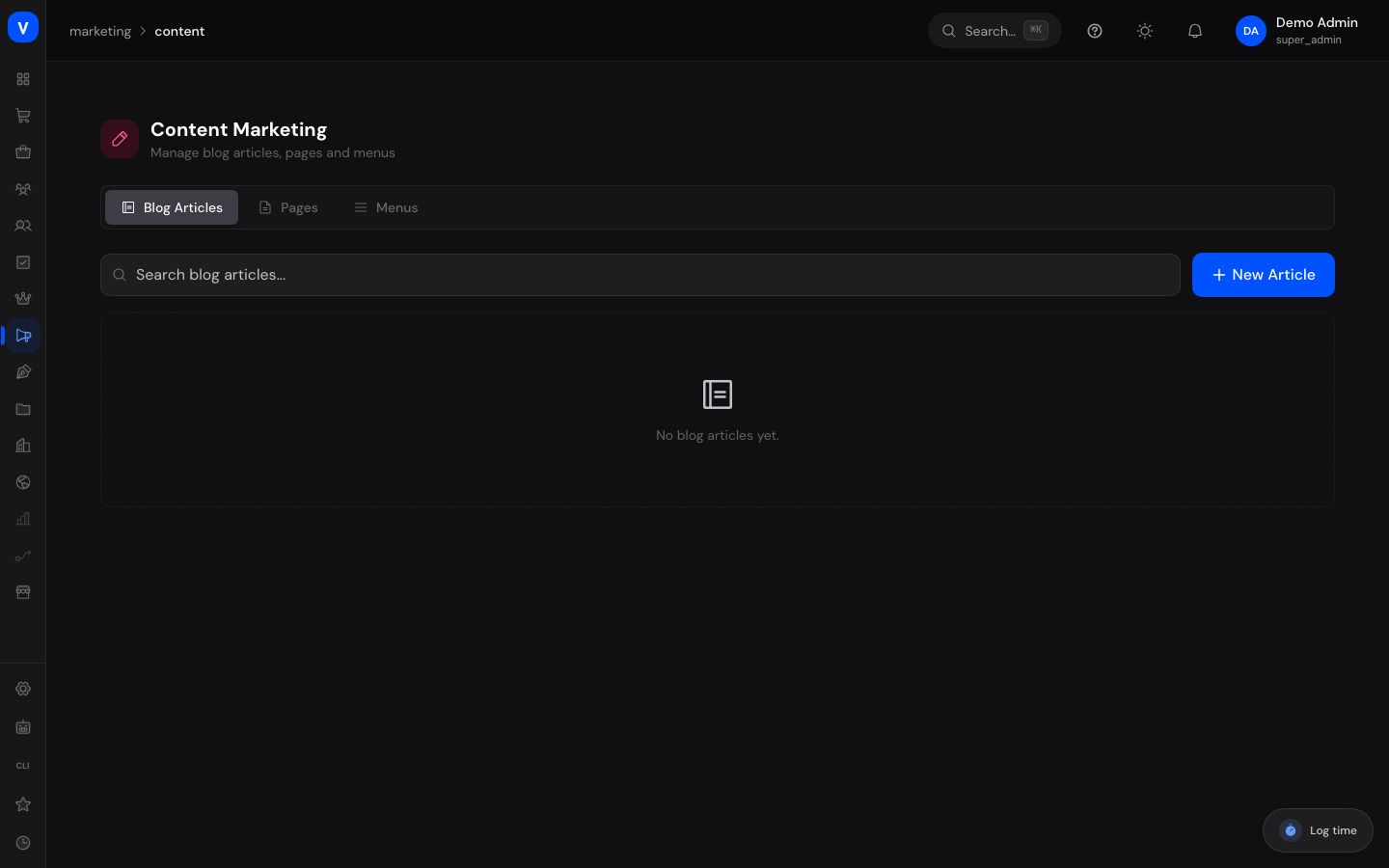
/marketing/contentNote: The blog posts, pages, and menus edited here are the same content also managed under "Content" in the shop area. Changes affect the same underlying data regardless of which page you use to make them.
What can I do here?
- Create, edit, search, and delete blog posts
- Create, edit, publish/unpublish, and delete shop pages (e.g. landing pages, forms)
- Create, edit, activate/deactivate, and delete menus
- Switch between the three areas using tabs
Step by step
- Select the appropriate tab at the top: Blog posts, Pages, or Menus.
- Click New post / New page / New menu to create a new item. For blog posts and pages, the slug is suggested automatically from the title but can be adjusted.
- Fill in the fields and save. Blog posts and pages start as a draft by default.
- Use the "..." menu in the respective row to edit or delete an item, or — for pages — to publish or unpublish it.
Fields explained
| Field | Meaning | Notes/Effect |
|---|---|---|
| Title | Title of the blog post or page | Automatically carried over into the slug when creating |
| Slug | URL segment of the post/page | Should be unique; determines the address in the shop |
| Content | Main text of the blog post | Free text/HTML content of the post |
| Excerpt | Short preview text of a blog post | Shown, for example, in overview lists |
| Author | Author of the blog post | Informational only, shown in the post list |
| Type (pages) | Page type: landing page, shop page, form, blog post | Determines how the page is rendered in the shop |
| Layout (pages) | Page layout: default, sidebar left, full width, blog | Affects the rendering in the storefront |
| Meta title / Meta description | SEO title and description of the page | Used for search engines and link previews |
| Name (menus) | Display name of the menu | Internal only, for recognition |
| Handle (menus) | Technical identifier of the menu | Used to embed the menu in the storefront |
| Active (menus) | Toggle for whether the menu is actively used | Inactive menus are not shown in the storefront |
Values & status
Blog post status
| Value | Meaning | What happens |
|---|---|---|
| Draft | Post is not yet published | Post is not visible in the shop |
| Published | Post is live | Post is visible in the shop |
| Archived | Post has been taken out of active use | Post is preserved but no longer actively shown |
Page status
| Value | Meaning | What happens |
|---|---|---|
| Draft | Page is not yet published | Page cannot be accessed in the shop |
| Published | Page is live | Page can be accessed under its slug in the shop |
Frequently asked questions
Is this the same as "Content" in the shop area?
Yes, blog posts, pages, and menus access the same data. You can work either here or in the shop area — changes are immediately visible in both places.
Why don't I see my new page in the shop?
New pages start as a draft. Only once you publish a page via the "..." menu does it become reachable in the shop.
Can I delete a menu that's still in use?
Deleting a menu removes it permanently. Check beforehand whether the menu is still embedded somewhere in the storefront.