Search Advertising (Google & Bing Ads)
Manage and analyze your paid search advertising campaigns on Google Ads and Bing Ads in one place, with a direct platform comparison.
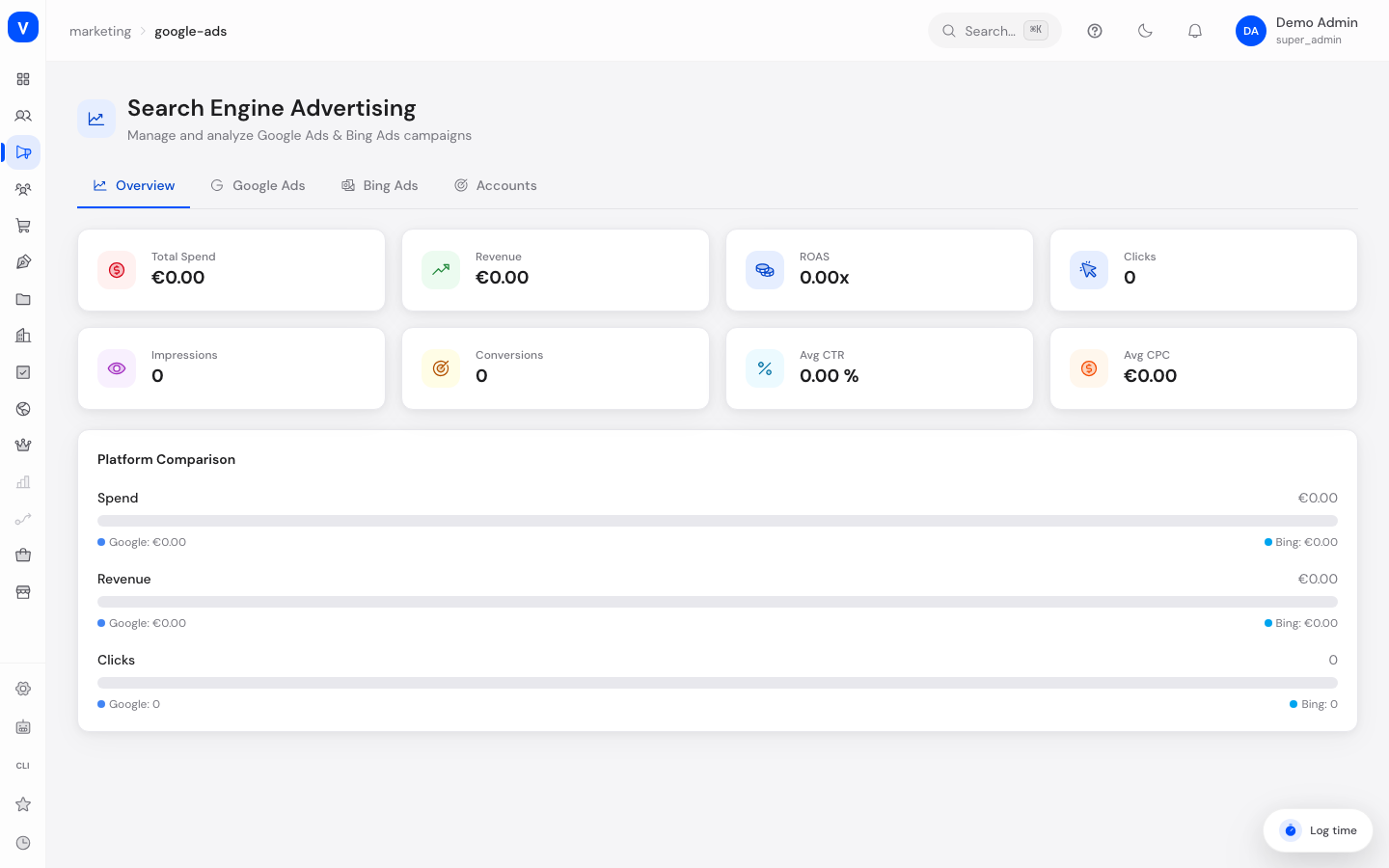
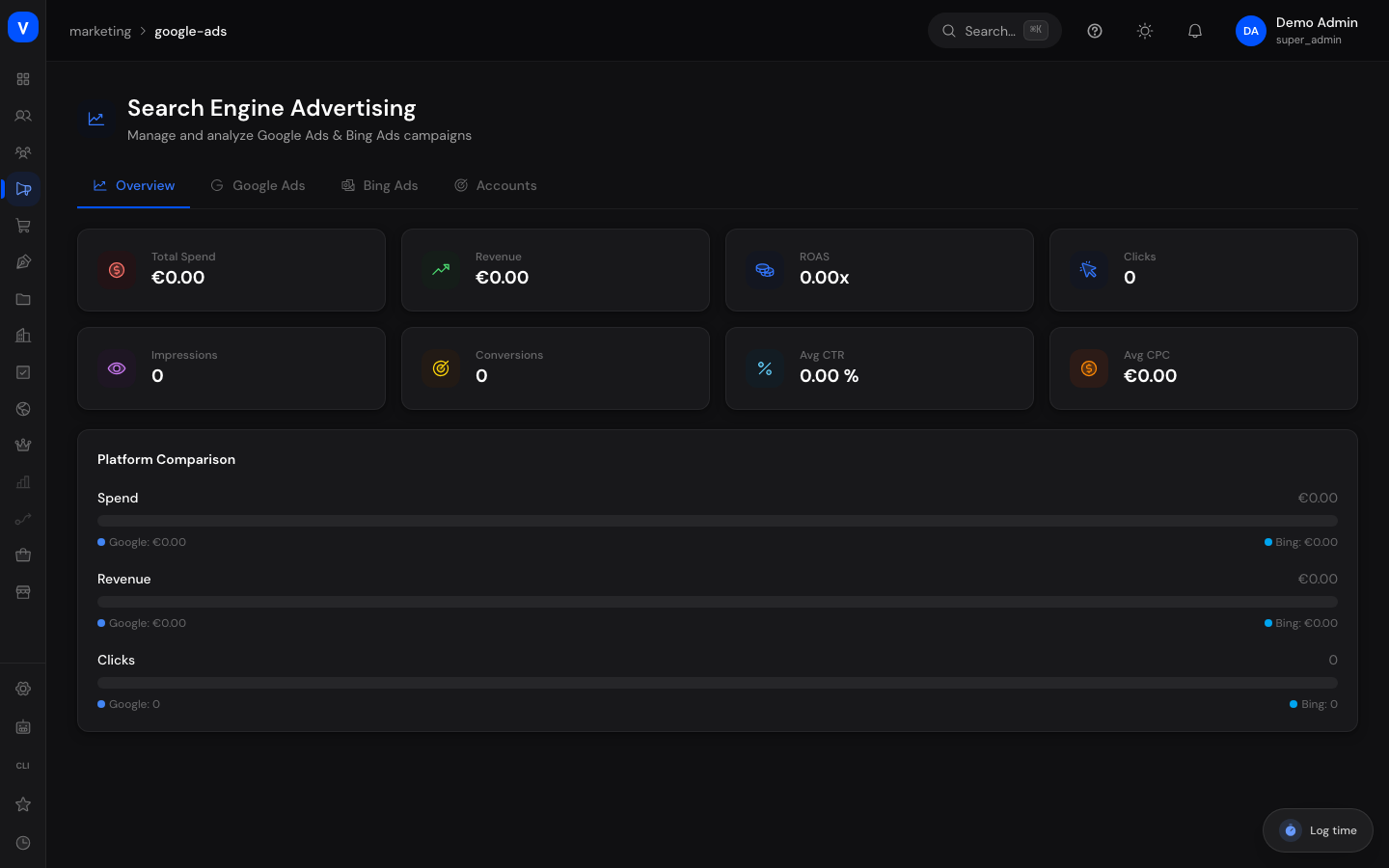
/marketing/google-adsWhat can I do here?
- In the Overview tab, see overall metrics (spend, revenue, ROAS, clicks, impressions, conversions, avg. CTR, avg. CPC) and a direct comparison between Google Ads and Bing Ads
- In the Google Ads or Bing Ads tab, browse the campaigns of that platform, filter by status, and view details of a campaign including keyword performance
- In the Accounts tab, see connected ad accounts and sync them manually
- Search campaigns by name and filter by status (Active/Paused/Ended)
Step by step
- Open the page via "Google Ads" or "Bing Ads" in the menu — both lead to the same page with the same four tabs at the top.
- Check the "Overview" tab for overall metrics and the platform comparison.
- Switch to the "Google Ads" or "Bing Ads" tab to see that platform's campaign list.
- Click a campaign to open a detail view with daily budget, runtime, and keyword performance.
- In the "Accounts" tab, click "Sync" on an already connected ad account to trigger a manual refresh.
Fields explained
| Field | Meaning | Notes/Effect |
|---|---|---|
| Total Spend | Sum of ad spend within the selected period, across both platforms | |
| Revenue | Revenue attributed to the ad campaigns | |
| ROAS | Return on Ad Spend: revenue per euro spent | |
| Clicks / Impressions | Number of clicks and ad impressions | |
| Avg CTR | Average click-through rate (clicks per impression) | |
| Avg CPC | Average cost per click | |
| Budget/Day | Daily budget of the campaign | |
| Total Budget | Total budget of the campaign over its runtime | |
| Start/End Date | Runtime of the campaign | No end date = "Ongoing" |
| Keyword Performance | Impressions, clicks, conversions, cost, avg. position, and quality score per keyword of a campaign | Only in the campaign detail view |
| Match Type | Keyword match type used when the ad is shown | Set by the ad platform |
| Account | Connected Google Ads or Bing Ads account | Shows total spend, revenue, and last sync time |
Values & status
Campaign status
| Value | Meaning | What happens |
|---|---|---|
| Active | Campaign is running and serving ads | |
| Paused | Campaign is on hold | No new spend accrues |
| Ended | Campaign has finished | |
| Draft | Campaign was created but not started yet |
Account status
| Value | Meaning |
|---|---|
| Active | Account is connected and syncing |
| Inactive | Account is currently not active |
Frequently asked questions
What's the difference between the "Google Ads" and "Bing Ads" entries in the menu?
Both lead to the same page. You choose the view using the tabs at the top (Overview, Google Ads, Bing Ads, Accounts).
Why do I see "No ad accounts connected"?
No Google Ads or Bing Ads account is connected to SELLERLOGIC Commerce Services yet. Connect an account to manage and analyze campaigns here.
How up to date are the displayed numbers?
The numbers are based on the last time an account was synced. Use "Sync" in the "Accounts" tab to trigger a manual refresh.
What does the quality score of a keyword mean?
It's a relevance rating assigned by the ad platform (Google/Bing) on a scale up to 10 — higher values usually have a positive effect on cost and position.