My Tasks
This page brings together all tasks assigned to you from every project in one place — organized into your own, freely arranged sections. It's your personal to-do list, without having to navigate through each project individually.
What can I do here?
- View all tasks assigned to you across every project
- Sort your tasks into your own sections (e.g. "This Week", "Waiting on Others")
- Drag tasks between your sections
- Show or hide completed tasks
Step by step
- Open My Tasks — you'll see all your open assigned tasks, grouped into your personal sections.
- Use New Section to create an additional group to organize your tasks by your own criteria.
- Drag a task into a different section to reorder it.
- Enable Show Completed to also display already-finished tasks.
- To remove a section you no longer need, use Delete Section — the tasks in it stay assigned to you, but lose their association with that section.
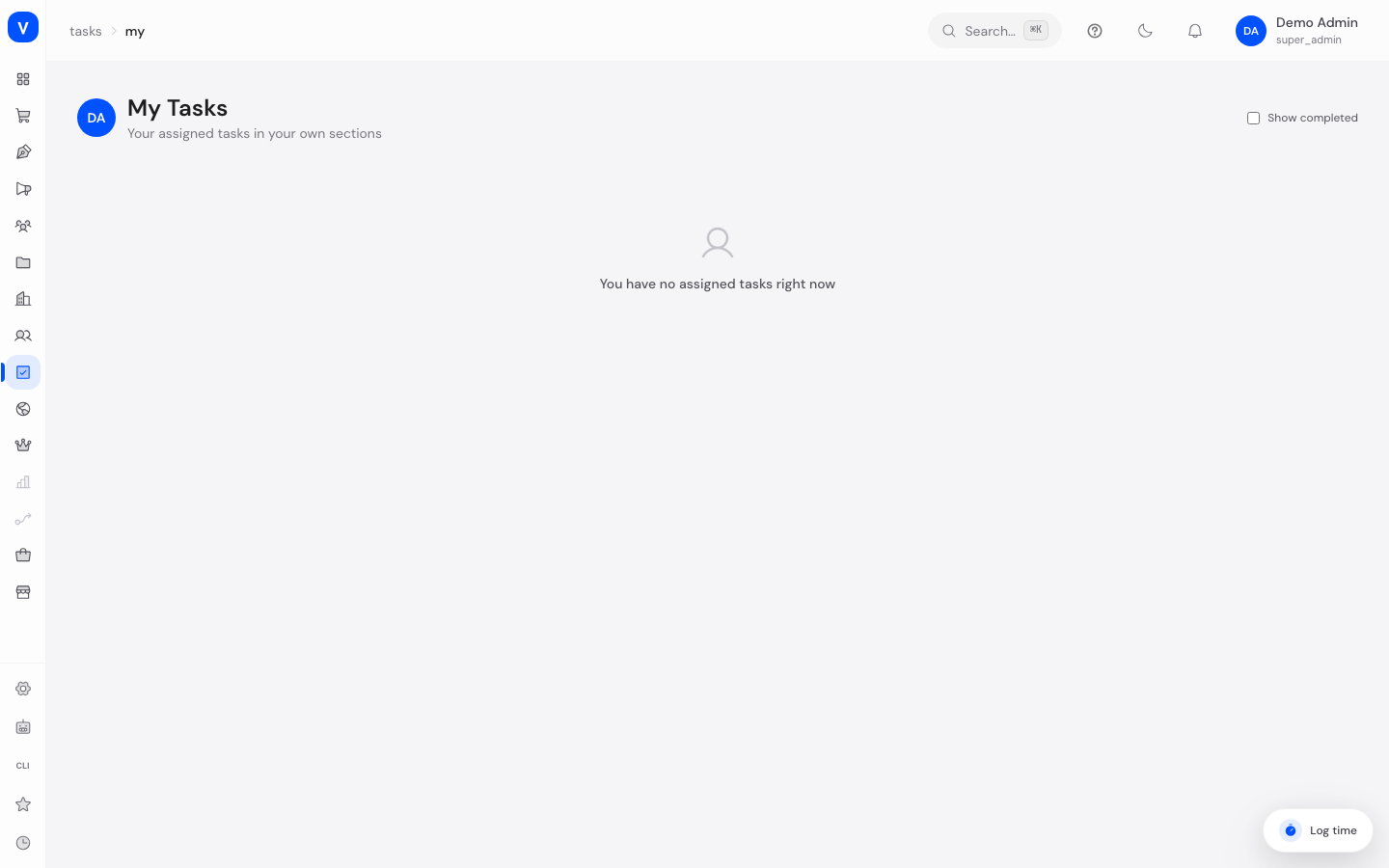
/tasks/myTasks the system creates for you
Since 24 August 2026 SCS creates a task automatically for certain processes and assigns it to the person responsible. Absence requests come first: when an employee submits leave, their direct supervisor gets a task carrying the title, the period, a link to the decision, and a due date (three days after submission).
That task closes itself. As soon as the request is approved, rejected or cancelled it is marked complete - including when somebody else decided it. You do not have to hunt for it or tick it off by hand. Where several people are responsible, each of them has their own task, and all of them close together the moment one of them decides.
Two things worth knowing:
- The task is not where the decision is made. Decisions still happen under HR → Absences → Requests; the task only takes you there. Marking a task complete by hand does not decide the request.
- A cancelled task stays cancelled. If you deliberately set such a task to "cancelled", it is not quietly flipped to "completed" later - your decision stands.
Fields explained
| Field | Meaning | Notes/Effect |
|---|---|---|
| Section | Personal, freely-named grouping of your tasks | Visible only to you; doesn't affect the project's structure |
| Show Completed | Toggle for whether finished tasks are also displayed | Hidden by default |
Frequently asked questions
Are my personal sections visible to colleagues too?
No, sections on "My Tasks" are purely personal and don't affect how the task is organized in its actual project (board).
What happens to a task if I mark it complete here?
It's marked complete globally and shows as completed in its associated project as well.
Why don't I see a task here even though I'm a participant?
"My Tasks" only shows tasks where you're listed as the assignee — not ones where you're just a participant.