Asana Matches
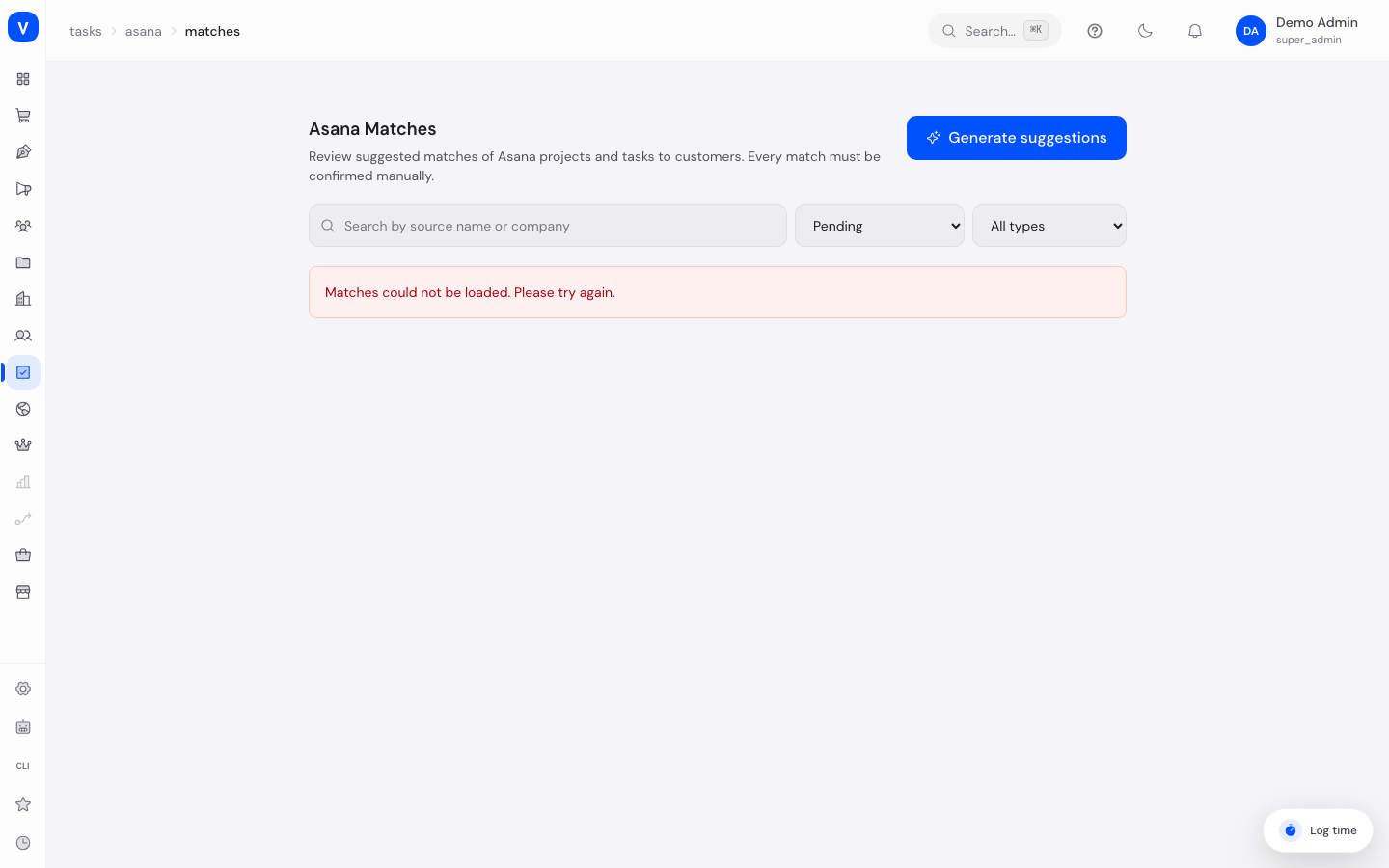
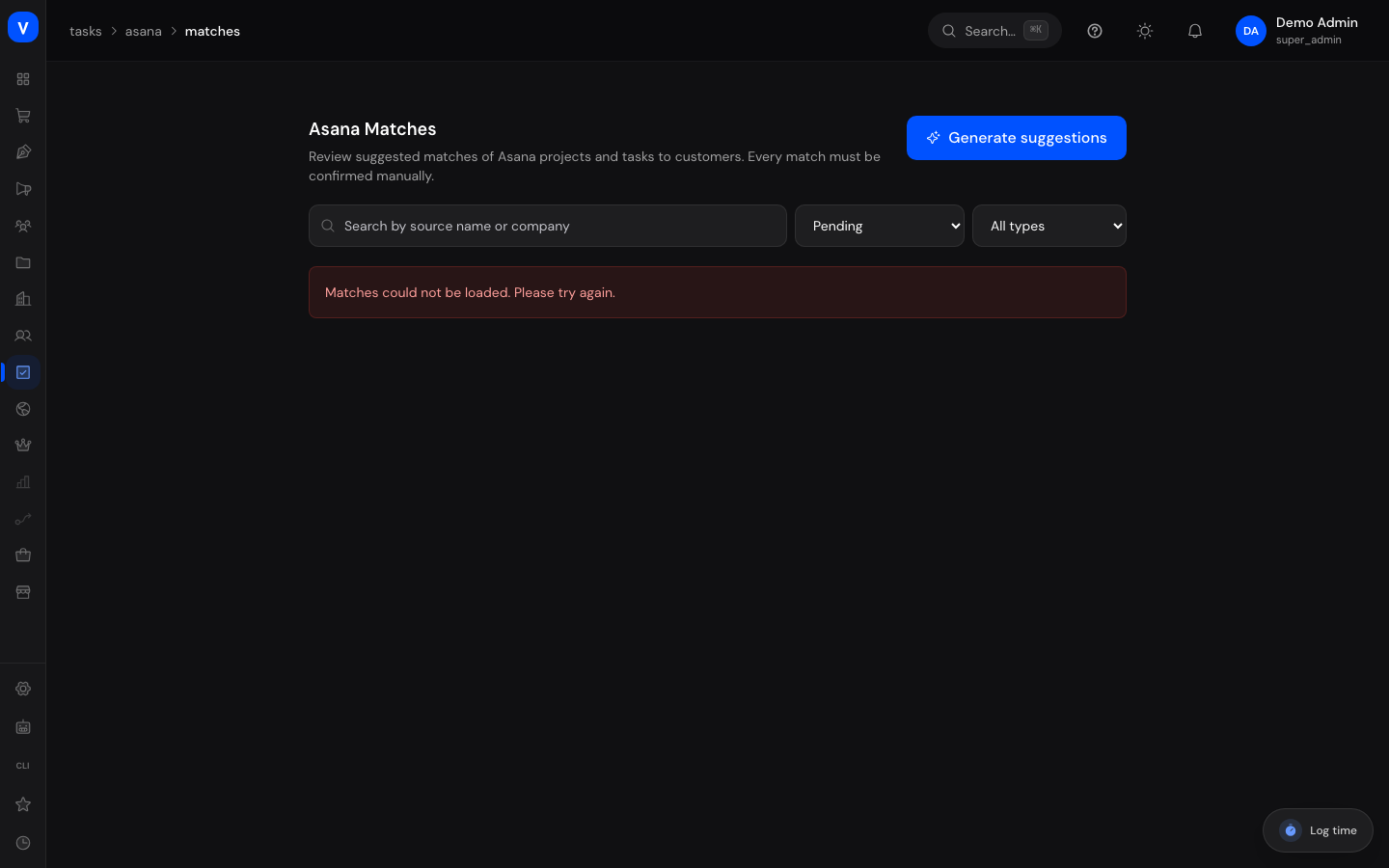
During Asana Import, projects and tasks are initially brought in without a fixed customer link. On this page you review suggestions for which customer (company) an imported Asana project or task should be matched to, and manually confirm that match.
What can I do here?
- Review automatically generated match suggestions
- Generate new suggestions based on the currently imported data
- Confirm a suggested match, which teaches it as an alias
- Mark a match as "not a customer" (ignore)
- Undo a previously confirmed match
Step by step
Generate and review suggestions
- Click Generate Suggestions so the system compares newly imported Asana projects/tasks against existing customers.
- Filter the list by status (Pending, Confirmed, Ignored, Resolved) and type (Project, Task), or search by source name or company.
- For each entry, review the suggested company along with the confidence and the method used to determine the suggestion.
Confirm a match
- Click Confirm on a pending entry.
- Choose the correct company (via search) or accept the suggested match.
- Confirm — the Asana name is then learned as an alias for that company, so similar cases are recognized automatically in the future.
Reject or undo a match
- Click Ignore if the entry doesn't belong to any customer — it disappears from the pending queue.
- On an already-confirmed match, click Unlink to remove the link to the company again.
/tasks/asana/matches/tasks/asana/matchesFields explained
| Field | Meaning | Notes/Effect |
|---|---|---|
| Type | Whether the entry is an Asana project or an Asana task | — |
| Suggested company | Most likely customer identified by the system | Can be accepted, or replaced with a different company |
| Confidence | How confident the system is in this suggestion | Higher confidence = more likely match |
| Method | How the suggestion was determined | See value list below |
| Status | Current processing state of the match | See value list below |
Values & Status
Status
| Label | Plain meaning | What happens then |
|---|---|---|
| Pending | The suggestion hasn't been reviewed yet | Appears in the queue for processing |
| Confirmed | The match to a company was confirmed | The name is learned as an alias for future automatic recognition |
| Ignored | The entry was marked as "not a customer" | Permanently disappears from the pending queue |
| Resolved | A previously confirmed match was undone | The company link is removed |
Match method
| Label | Meaning |
|---|---|
| Learned alias | The name was already manually confirmed once and is now automatically recognized |
| Customer number | Matched via a customer number |
| Name match | Exact match on the normalized name |
| Similar name | Fuzzy name similarity |
| Email domain | Matched via the email domain |
| Manually reviewed | The suggestion was matched by hand, without an automatic method |
Frequently asked questions
What happens if I ignore an entry and it later turns out to be a customer after all?
Ignored entries stay permanently marked as "not a customer". To fix that, a new suggestion would need to be generated, or the match created manually via the corresponding company.
What's alias learning for?
Once you confirm a name manually, the system automatically recognizes similar future entries with high confidence and the "Learned alias" method.
Do I need to match every single task individually?
No, matching at the project level is usually enough — depending on how your Asana structure was organized, individual tasks can also get their own suggestions.