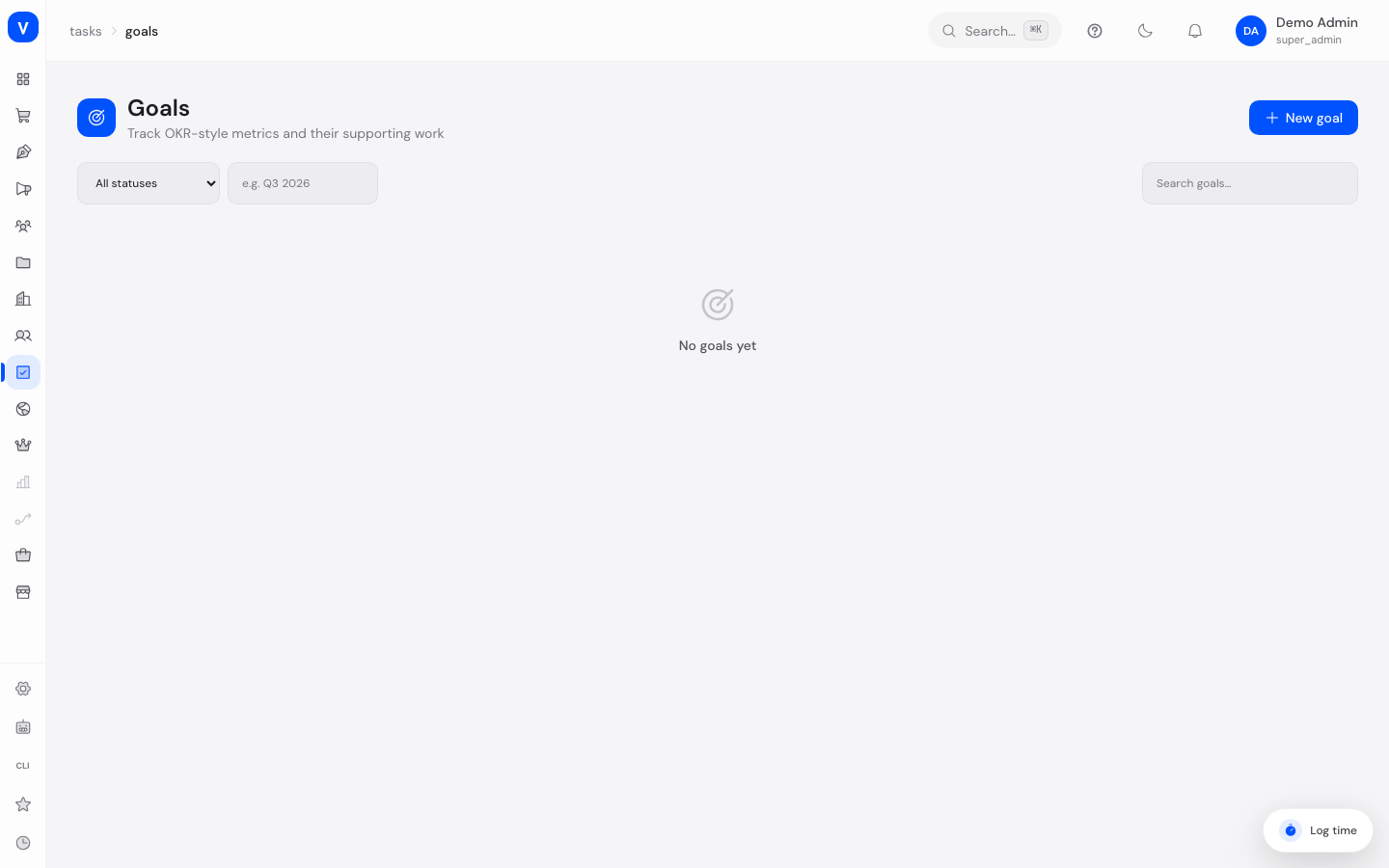
Goals
Goals let you track measurable metrics (similar to OKRs — "Objectives & Key Results," i.e. goals with measurable key results) over a set time period, and link them to the work that contributes to achieving them — projects, portfolios, or other goals.
What can I do here?
- Create a new goal with a time period, target value, and unit
- Manually update a goal's progress
- Set a goal's status (e.g. "on track" or "at risk")
- Link projects, portfolios, or other goals as "supporting work"
- Search goals and open their details
Step by step
Create a new goal
- Click New Goal, give it a name, and choose an owner.
- Enter the time period (e.g. "Q3 2026") and optionally a due date.
- If needed, define a target value with a unit (e.g. "500 tenants") and the current starting value.
- Save the goal.
Update progress
- Open a goal and click Update Progress.
- Enter the new current value and optionally choose a new status.
- Save the update — the progress bar adjusts automatically.
Link supporting work
- Open a goal and click Link Supporting Work.
- Choose the type (project, portfolio, or another goal) and the specific item.
- Optionally assign a weight to prioritize the contribution.
- Save the link — it now appears in the list of supporting work.
/tasks/goals- Owner
- A. Example
- Time period
- Q3 2026
- Due date
- 30 Sep 2026
- Metric target
- 1200
- Current value
- 840
- Status
- ✓On track
/tasks/goals/:idFields explained
| Field | Meaning | Notes/Effect |
|---|---|---|
| Name | Name of the goal | — |
| Owner | Person responsible for the goal | — |
| Time period | The period the goal applies to | Free text, e.g. "Q3 2026" |
| Due date | Date by which the goal should be reached | — |
| Target value | Numeric target for the metric | Combined with unit and current value to compute progress |
| Unit | Unit of the target value | E.g. "tenants", "%", "EUR" |
| Current value | The most recently recorded state of the metric | Maintained via "Update Progress" |
| Notes | Free text for extra context | — |
| Status | Current progress status of the goal | See value list below |
| Supporting work | Linked projects, portfolios, or goals that contribute to reaching it | Shows the connection between operational work and the higher-level goal |
| Weight | Relative importance of a linked item | Optional, for prioritization |
Values & Status
Goal status
| Label | Meaning |
|---|---|
| On track | The goal is progressing as expected |
| At risk | There's a risk of missing the goal |
| Off track | The goal is already significantly behind plan |
| On hold | Work on the goal is currently paused |
| Achieved | The goal was fully reached |
| Partial | The goal was only partially reached |
| Missed | The goal was not reached |
| Dropped | The goal is no longer being pursued |
Supporting work type
| Label | Meaning |
|---|---|
| Project | A task project (board) contributes to the goal |
| Portfolio | An entire group of projects contributes to the goal |
| Goal | A sub-goal contributes to a parent goal |
Frequently asked questions
How is the progress bar calculated?
From the ratio of current value to target value, provided both are set. Without a target value, "No target set" is shown.
Does progress update automatically from linked projects?
No, progress is maintained manually via "Update Progress" — linking projects/portfolios is for traceability, not automatic calculation.
Can I delete a goal that still has projects linked to it?
Yes, deleting a goal only removes the goal itself and its links — the linked projects or portfolios remain unchanged.