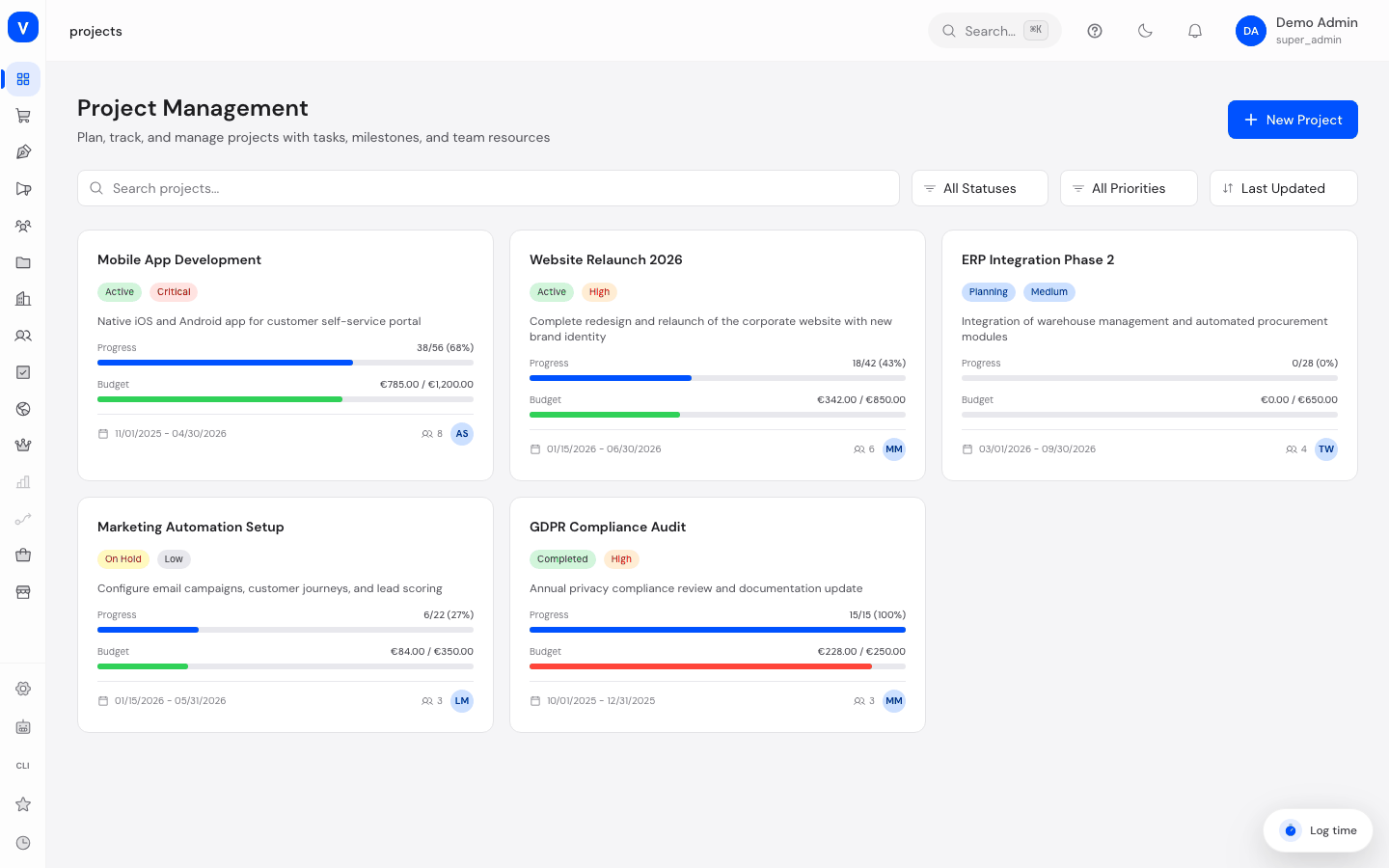
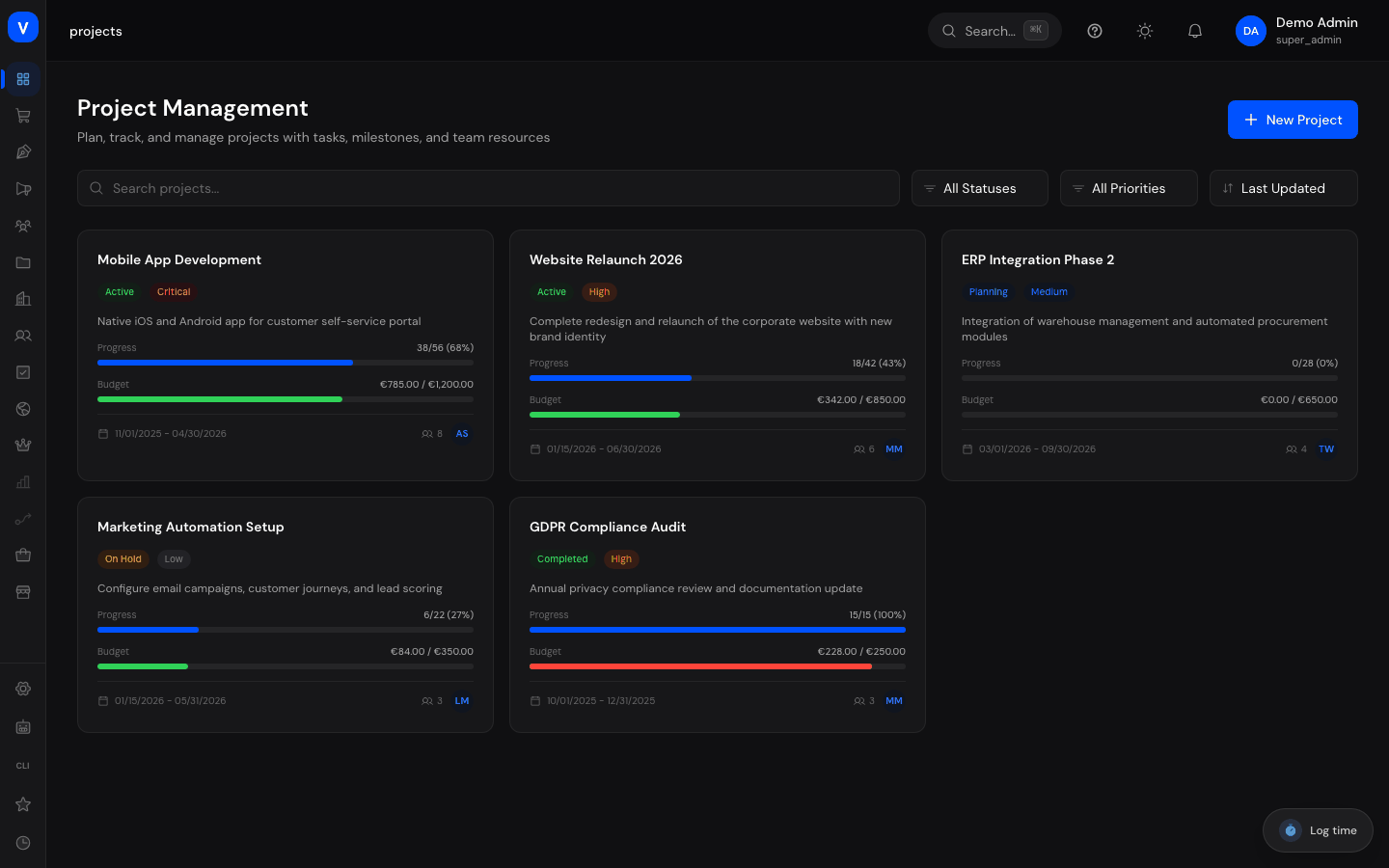
This module is a standalone project-management tool with budget, milestones, a Kanban board, time tracking, and team resource planning — separate from the Asana-style Tasks module. Use it for projects where budget, utilization, and hours worked are the focus.
What can I do here?
Create a new project with status, priority, timeframe, and budget
Manage tasks within a project on a Kanban board or as a list
Define milestones and track their progress
Log work time against tasks, billable or not
Assign team members to a project with a role and allocated hours
Search, filter, and sort projects
Step by step
Create a new project
Click New Project, give it a name and description.
Choose status, priority, start and end date, and a planned budget.
Save the project — you land directly on the project detail view.
Manage tasks in a project
Open a project and switch to the Kanban or Tasks (list) tab.
Use New Task to create a task with title, assignee, milestone, due date, and estimated hours.
Move tasks on the Kanban board between the status columns To-do, In Progress, Review, and Done.
Log time
Switch to the Time Tracking tab.
Click Log Time, choose the task, the date, and the number of hours, and optionally mark it as billable.
Save the entry — it immediately feeds into the "Total Hours" and "Total Cost" metrics.
Plan team resources
Switch to the Team tab.
Click Add Member, search for the person by user ID or email, choose a role, and enter allocated hours.
The utilization overview shows allocated vs. actually logged hours per member.
View: /projects
Illustration
Kanban
OverviewKanbanTime TrackingTeam
Task
Status
Assignee
Due Date
Clarify the requirements
✓Done
A. Example
04 Aug 2026
Agree on the draft
iIn Progress
M. Sample
11 Aug 2026
Prepare the sign-off
!Review
T. Example
18 Aug 2026
Plan the training
•To Do
A. Example
25 Aug 2026
Rebuilt excerpt of the view: /projects/:id
Illustration
Time Tracking
OverviewKanbanTime TrackingTeam
Hours
128.5
Total Tasks
24
Completed
17
Date
Task
User
Hours
Billable
03 Aug 2026
Clarify the requirements
A. Example
6.0
✓Billable
04 Aug 2026
Agree on the draft
M. Sample
3.5
✓Billable
05 Aug 2026
Prepare the sign-off
T. Example
2.0
•no
Rebuilt excerpt of the view: /projects/:id
Fields explained
Field
Meaning
Notes/Effect
Name
Project name
Required
Description
Free-text description of the project
—
Status
Current project status
See value list below
Priority
Urgency of the project
See value list below
Start date / End date
Planned timeframe of the project
Drives the milestone timeline
Budget
Planned budget for the project
Compared against actual spend (from time tracking)
Milestone
Important intermediate step with its own due date
Tasks can be assigned to a milestone
Estimated hours
Time budgeted for a task
Compared against actually logged time
Billable
Whether a time entry can be invoiced to the customer
Feeds into "Billable"/"Non-billable" in the time overview
Role (team)
A member's function on the project team
See value list below
Allocated hours
Hours planned for a member on this project
Basis for the utilization calculation
Values & Status
Project status
Label
Meaning
Planning
The project is in preparation
Active
Work on the project is underway
On Hold
Work is temporarily paused
Completed
The project is finished
Cancelled
The project was terminated early
Priority
Label
Meaning
Low
Low urgency
Medium
Normal priority
High
Handle with priority
Critical
Highest urgency
Urgent
Requires immediate attention
Task status (Kanban)
Label
Meaning
To-do
Not started yet
In Progress
Currently being worked on
Review
Under review
Done
Completed
Milestone status
Label
Meaning
Pending
Not started yet
In Progress
Currently being tracked
Completed
Reached
Overdue
Due date passed without completion
Team role
Label
Meaning
Owner
Carries overall responsibility for the project
Manager
Manages the project operationally
Member
Regular team member
Viewer
Read-only access
Frequently asked questions
How is this module different from "Tasks" (/tasks)? "Projects" focuses on budget, time tracking, and resource utilization with a fixed Kanban workflow (To-do/In Progress/Review/Done). Tasks is the more flexible, Asana-style system with multiple views, multi-homing, and automation rules. The two modules are independent of each other.
Is the budget calculated automatically from time tracking? Budget consumption is calculated based on logged billable and non-billable hours plus recorded costs, and compared against the planned values.
What happens to time entries if I delete a project? Deleting a project also removes its associated tasks, milestones, and time entries — so deletion should be done deliberately.