Tasks — Home
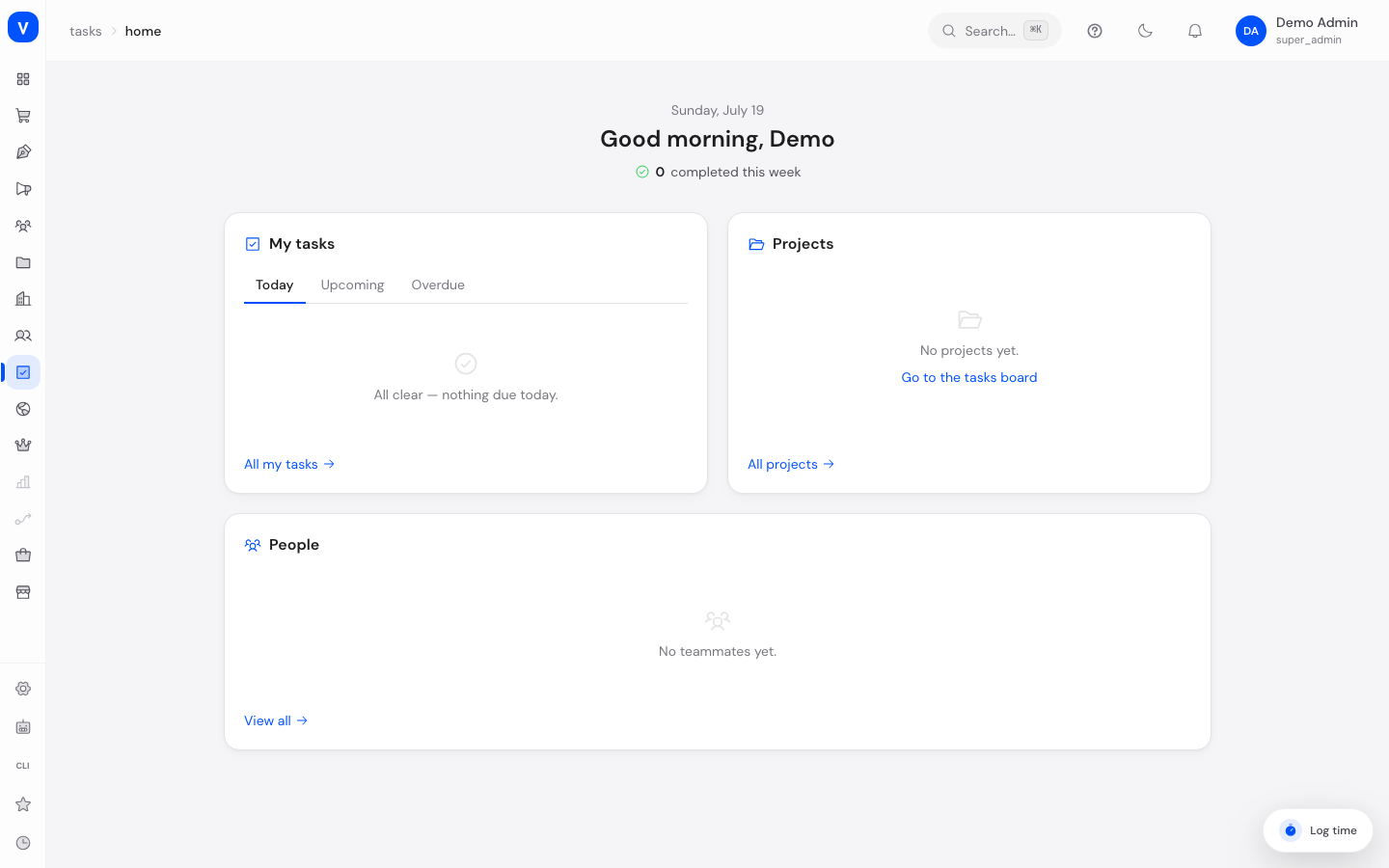
The Tasks Home page is your personal entry point into SCS Tasks — the built-in replacement for Asana. It shows at a glance what's due today, what's coming up soon, which tasks are overdue, and gives you quick access back to the projects you visited recently.
What can I do here?
- View your own tasks grouped by "Today", "Upcoming", and "Overdue"
- See how many tasks you've already completed this week
- Jump back to your recently visited projects and their task board
- See your colleagues (collaborators) in the workspace
Step by step
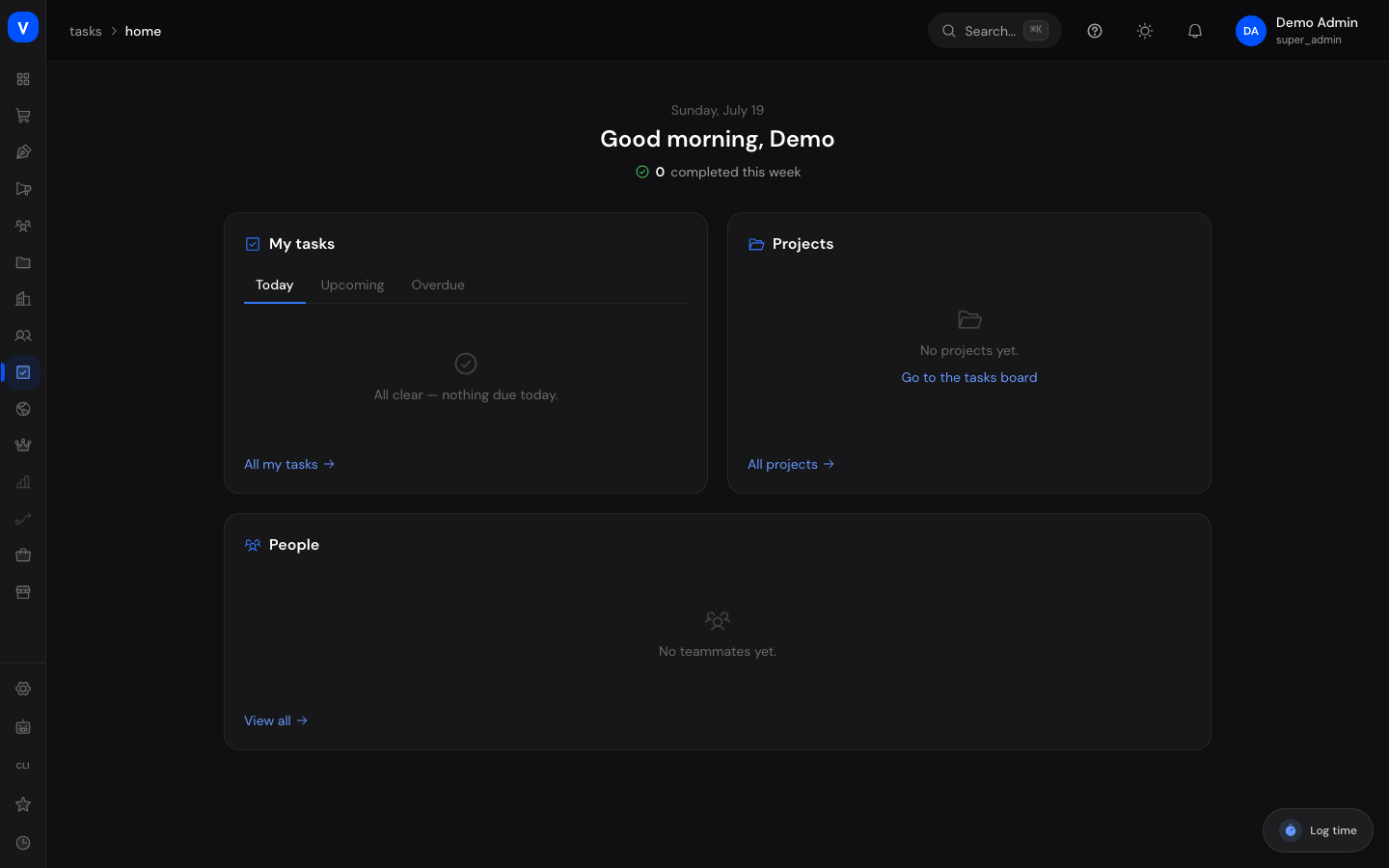
- Open Tasks Home. The top section shows a greeting and how many tasks you've completed this week.
- Switch between the Today, Upcoming, and Overdue tabs to see your own tasks filtered by due date.
- Click All My Tasks to switch to the full view under My Tasks.
- In the Projects section, you'll see your recently visited projects — click Go to Board to jump straight there, or All Projects to see the full list.
- In the People section, you'll see your colleagues in the workspace.
/tasks/homeFields explained
| Field | Meaning | Notes/Effect |
|---|---|---|
| Completed this week | Number of tasks you've completed during the current week | Informational only, no action |
| Today | Tasks due today | — |
| Upcoming | Tasks due in the coming days | — |
| Overdue | Tasks whose due date has already passed | Should be prioritized |
| Recently visited | Projects you've opened recently | Remembered automatically on this device |
| Collaborators | Other users you work with in the workspace | — |
Frequently asked questions
Why don't I see any projects under "Recently Visited"?
This list only fills up once you've opened at least one project in Tasks, and it's remembered locally on your device.
Do I also see other colleagues' tasks here?
No, the Home page shows exclusively your own assigned tasks.
Where do I find notifications about mentions or assignments?
That's the separate Inbox page.