Inbox
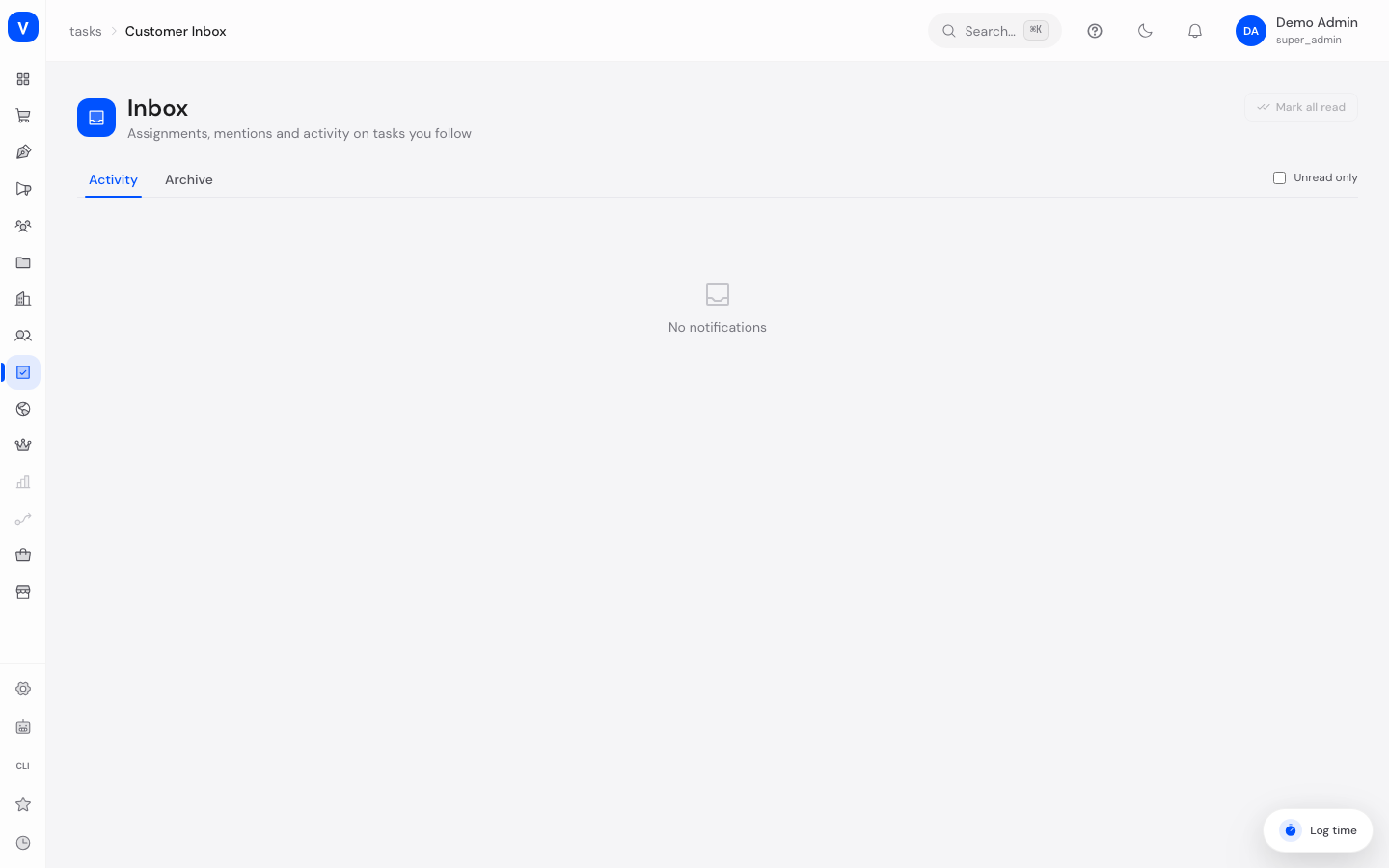
The Inbox is your notification mailbox for tasks you follow. Here you see when a task is assigned to you, someone mentions you, a comment is added, or the status of a followed task changes.
What can I do here?
- View all notifications for tasks you follow, in chronological order
- Show only unread notifications
- Mark individual or all notifications as read
- Archive notifications to remove them from the active view
Step by step
- Open Inbox and switch between the Activity tab (current notifications) and Archive (already-archived entries).
- Enable Unread only to focus on new notifications.
- Click a notification to jump straight to the affected task.
- Use Mark as read on individual entries, or Mark all as read to clear the whole list at once.
- Click Archive to remove a notification from the active view without deleting it.
/tasks/inboxFields explained
| Field | Meaning | Notes/Effect |
|---|---|---|
| Activity | List of current, non-archived notifications | Default tab |
| Archive | Already-archived notifications | Still traceable, but no longer clutter the current view |
| Unread only | Filter showing only not-yet-seen notifications | — |
Values & Status
Notification type
| Label | Meaning |
|---|---|
| Assigned you | You were assigned as the responsible person for a task |
| Requests your approval | A task with an approval type is waiting for your sign-off |
| Mentioned you in | You were @-mentioned in a comment |
| Commented | A new comment was added to a task you follow |
| Status changed | The status of a followed task changed |
| Completed | A followed task was completed |
| Updated | Some other change was made to a followed task |
Frequently asked questions
Why am I not getting notifications for a task?
You need to follow the task, or be listed as a participant or assignee, for activity to appear in your Inbox.
What's the difference between "Archive" and "Mark as read"?
"Mark as read" only changes the read status — the notification stays visible in the Activity tab. "Archive" moves it to the Archive tab and removes it from the active list.
Can I restore archived notifications?
They remain permanently viewable in the "Archive" tab, even though they no longer appear in "Activity".