My Bookings
This page shows your own upcoming appointments and your own recorded availability. It's meant only for you, as a bookable staff member, and never shows other staff members' appointments.
What can I do here?
- View your own upcoming appointments with time, customer, appointment type, and status
- Filter by status (e.g. show only confirmed appointments)
- Review your own weekly availability (working hours)
Step by step
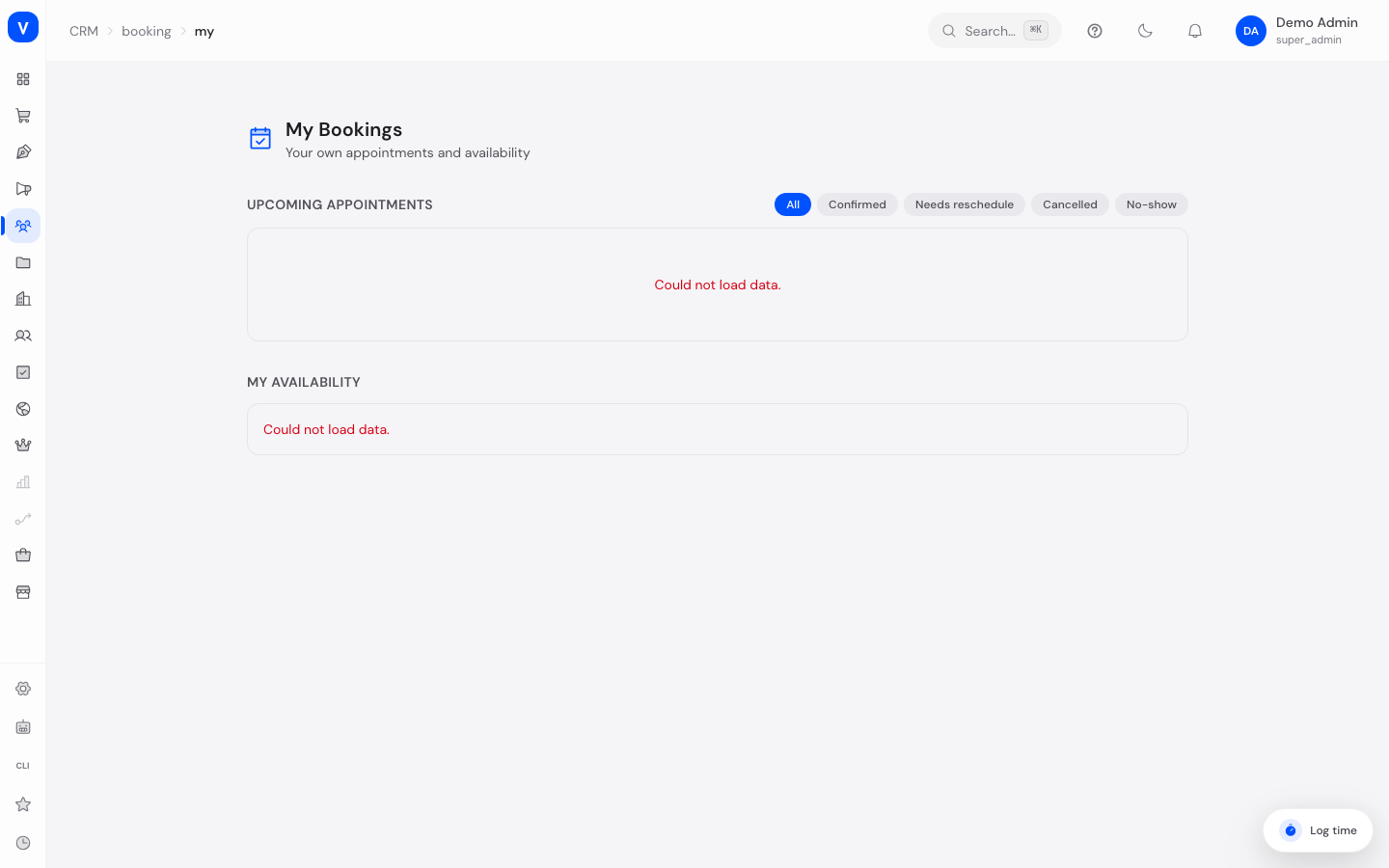
- Open My Bookings. The top section lists your upcoming appointments.
- Filter the list using the status buttons (All, Confirmed, Needs reschedule, Cancelled, No-show).
- If there are multiple pages, use "Back" and "Next" to page through the list.
- Scroll down to "My Availability" to see your recorded weekly working hours per weekday.
/appointments/myFields explained
| Field | Meaning | Notes/Effect |
|---|---|---|
| Time | Date and time of the appointment, in your own timezone | The timezone abbreviation (e.g. "CEST") is shown next to the time |
| Customer | Name and email of the person who booked | — |
| Appointment Type | The booked appointment type | A video icon indicates a Google Meet link is attached |
| Status | Current state of the appointment | See value list below |
Values & Status
Appointment status
| Label | Plain meaning | What happens then |
|---|---|---|
| Confirmed | The appointment will take place as scheduled | — |
| Needs reschedule | The appointment must be rescheduled | An admin needs to reschedule it via Booking Management |
| Cancelled | The appointment was called off | It no longer takes place |
| No-show | The customer did not show up | For your information only |
Frequently asked questions
Can I reschedule or cancel an appointment myself here?
No, "My Bookings" is a read-only overview page. Contact an administrator with access to Booking Management for changes.
Why do I only see my own appointments and not my colleagues'?
This page is intentionally scoped to you — it only shows appointments where you are the assigned staff member.
Where do I change my availability or working hours?
Availability is maintained by an administrator in Appointment Booking Settings, under the Staff section.
The page says "No appointment calendar is assigned to you yet" - what does that mean?
The page shows the appointments of the person linked to your user account in the appointments area. Without that link there is simply no appointment calendar for you. An administrator creates it in Appointment Booking Settings: open the Staff tab, open the person's entry and pick the user account in the Linked user/employee field. If you hold the setup permission yourself, the button on the page takes you straight there; otherwise contact your appointment administrator.
Why does clicking "Appointments" take me to Booking Management?
If no link exists for you but you are allowed to see all bookings, the appointments area opens Booking Management directly - that page has content for you, while "My Bookings" would be empty.