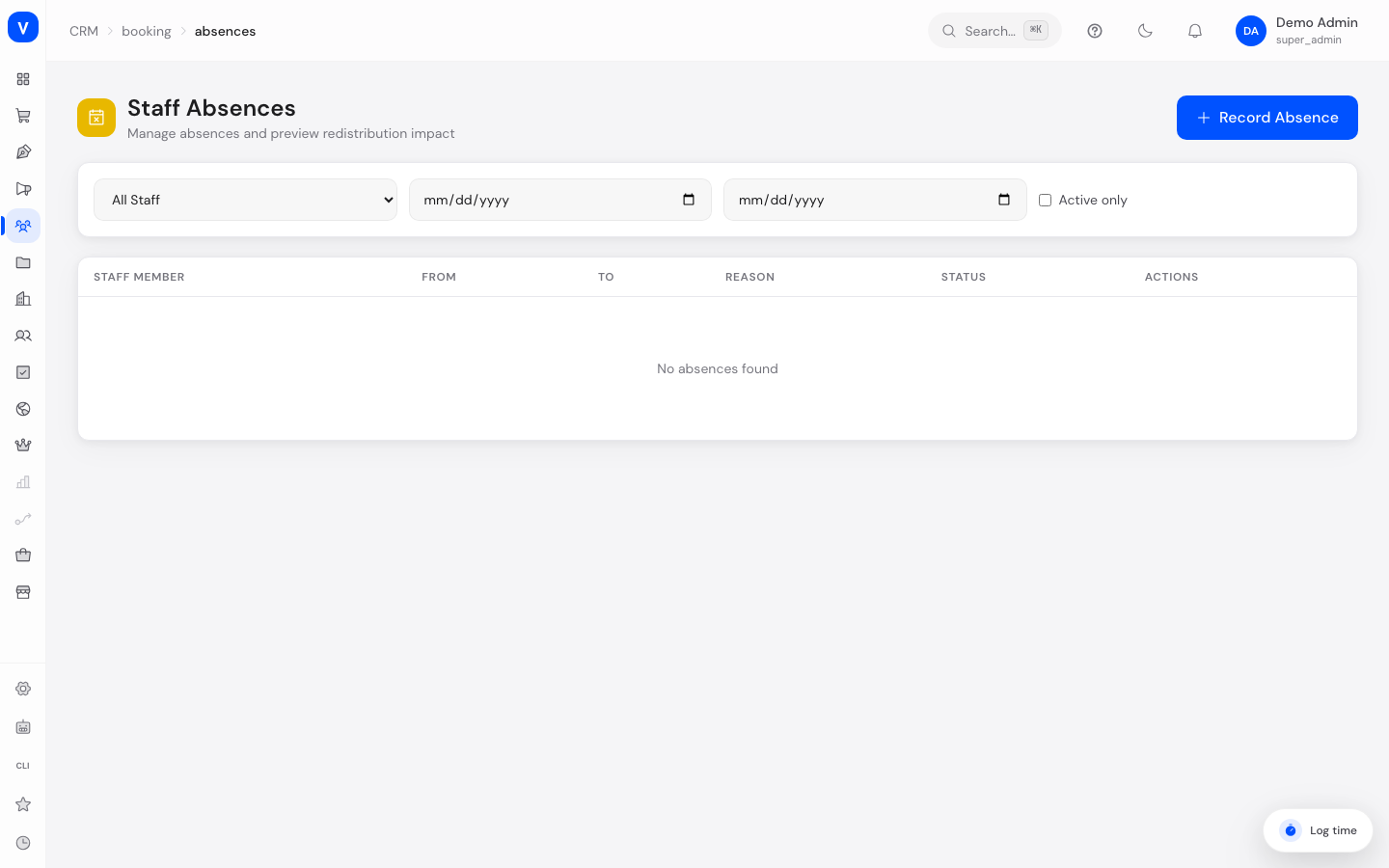
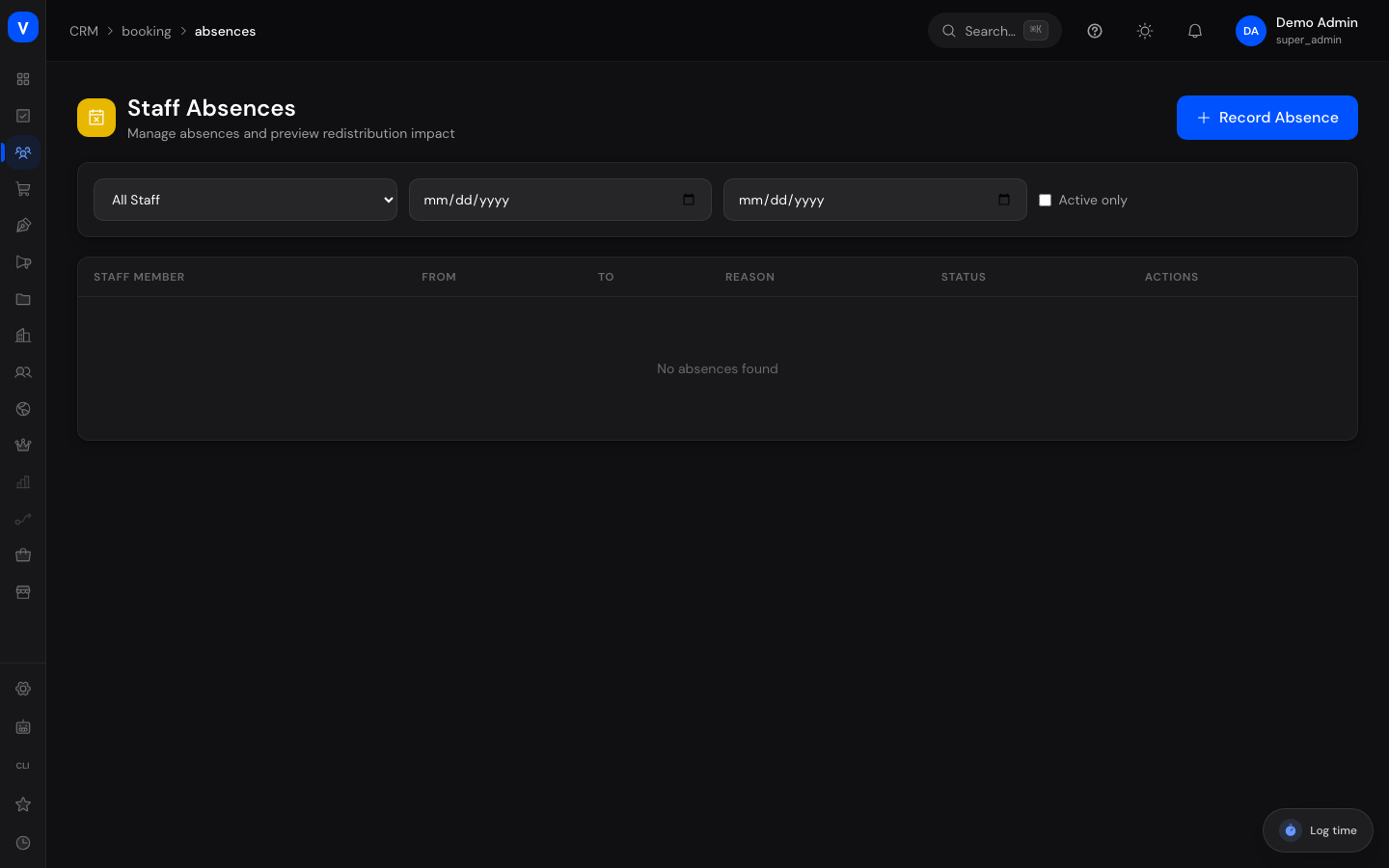
Staff Absences
Use this page to record when a bookable staff member is unavailable (e.g. vacation or sick leave). The system automatically checks which existing appointments are affected and whether they can be redirected to another staff member.
What can I do here?
- Record a new absence for a staff member with a date range and reason
- Preview the impact on existing bookings before saving
- Filter existing absences by staff member and date range
- Cancel an absence
Step by step
- Click Record Absence, choose the staff member plus start and end date, and optionally a reason.
- Use Load Impact to preview upfront how many bookings are affected and whether they can be automatically redirected to another staff member.
- Save the absence with Save Absence. Affected bookings are now either automatically reassigned or flagged as "needs reschedule".
- To undo an absence, open it in the list and choose Cancel Absence. This reverts any reassignments that were made.
/appointments/absences| From | Employee | Status |
|---|---|---|
| 10 Aug 2026 09:00 | M. Sample | ✓Reassign to |
| 11 Aug 2026 14:30 | M. Sample | ✓Reassign to |
| 13 Aug 2026 08:15 | No alternative available | !Needs Manual Reschedule |
/appointments/absencesFields explained
| Field | Meaning | Notes/Effect |
|---|---|---|
| Staff | The staff member who is absent | — |
| From / Start date | First day of the absence | — |
| To / End date | Last day of the absence | — |
| Reason | Optional free text, e.g. "vacation" or "sick leave" | Internal only |
| Status | Whether the absence is active or cancelled | See value list below |
| Affected bookings | Number of existing appointments falling within the absence period | Calculated in the impact preview |
| Redistributable | Number of bookings that can automatically move to another staff member | Calculated in the impact preview |
| Needs manual reschedule | Number of bookings with no available replacement staff member | These later show as "needs reschedule" in Booking Management |
Values & Status
Absence status
| Label | Plain meaning | What happens then |
|---|---|---|
| Active | The absence currently applies | The staff member is not bookable during that period |
| Cancelled | The absence was withdrawn | The staff member is bookable normally again; any reassignments are reverted |
Outcome per affected booking
| Label | Plain meaning | What happens then |
|---|---|---|
| Can reassign | A suitable staff member with matching language and free capacity was found | The booking is automatically reassigned to that staff member |
| Needs manual reschedule | No suitable replacement staff member is available | The booking gets the status "needs reschedule" and must be rescheduled manually in Booking Management |
Frequently asked questions
What happens to already-booked appointments when I record an absence?
The system automatically checks whether another staff member with a matching language and free capacity is available. If so, the appointment is reassigned automatically. If not, it's marked "needs reschedule" and must be rebooked manually.
Can I edit an absence after the fact?
Direct editing isn't supported — cancel the existing absence and record a new one with the corrected dates instead.
Do I have to record an absence here again if HR already has it?
No. If the bookable staff member is linked to an HR employee record (Staff tab in the appointment settings), absences from HR act on the booking page directly. These block:
- an approved request of any absence type, for example annual leave,
- a reported sick note, and it blocks without approval. Somebody who calls in sick this morning stops being bookable right away; the system does not wait for a manager's decision,
- public holidays of the country the employee works in,
- events from the connected calendar.
A leave request that is submitted but not yet approved blocks nothing. Otherwise anyone could take their own appointments off the market simply by asking.
Does the customer learn why no times are free?
No. The booking page never states a reason, it simply offers no free times. Neither the absence type nor the reason nor any event content leaves the internal area. This matters most for a sick note: it is health data, and it is carried in the company-wide absence calendar without a reason as well, purely as an absence.
Is the time bookable again when a leave is withdrawn?
Yes, immediately. Once the request is cancelled it no longer counts and that day's times reappear on the booking page. An entry already written to the absence calendar is removed along with it.
Will new booking requests still be assigned to the staff member while they're absent?
No, as long as the absence is active, the staff member is no longer considered available for new booking requests.